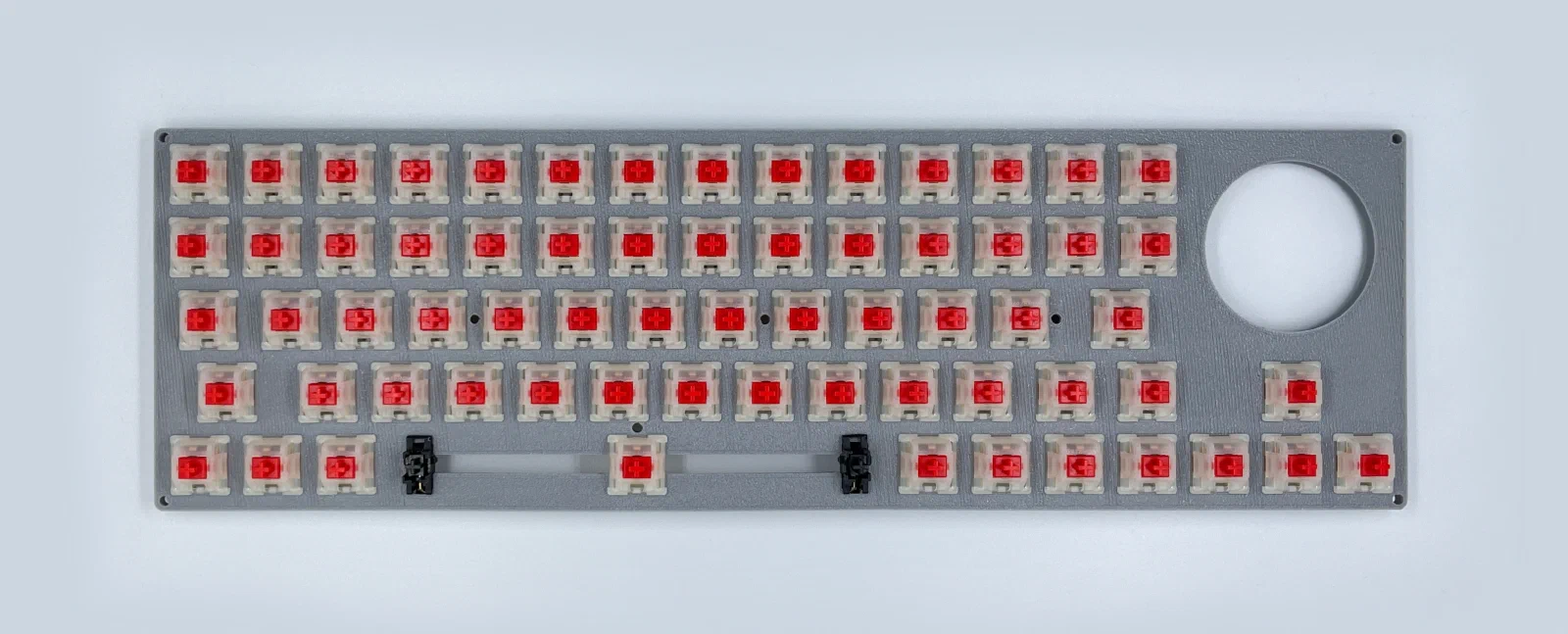
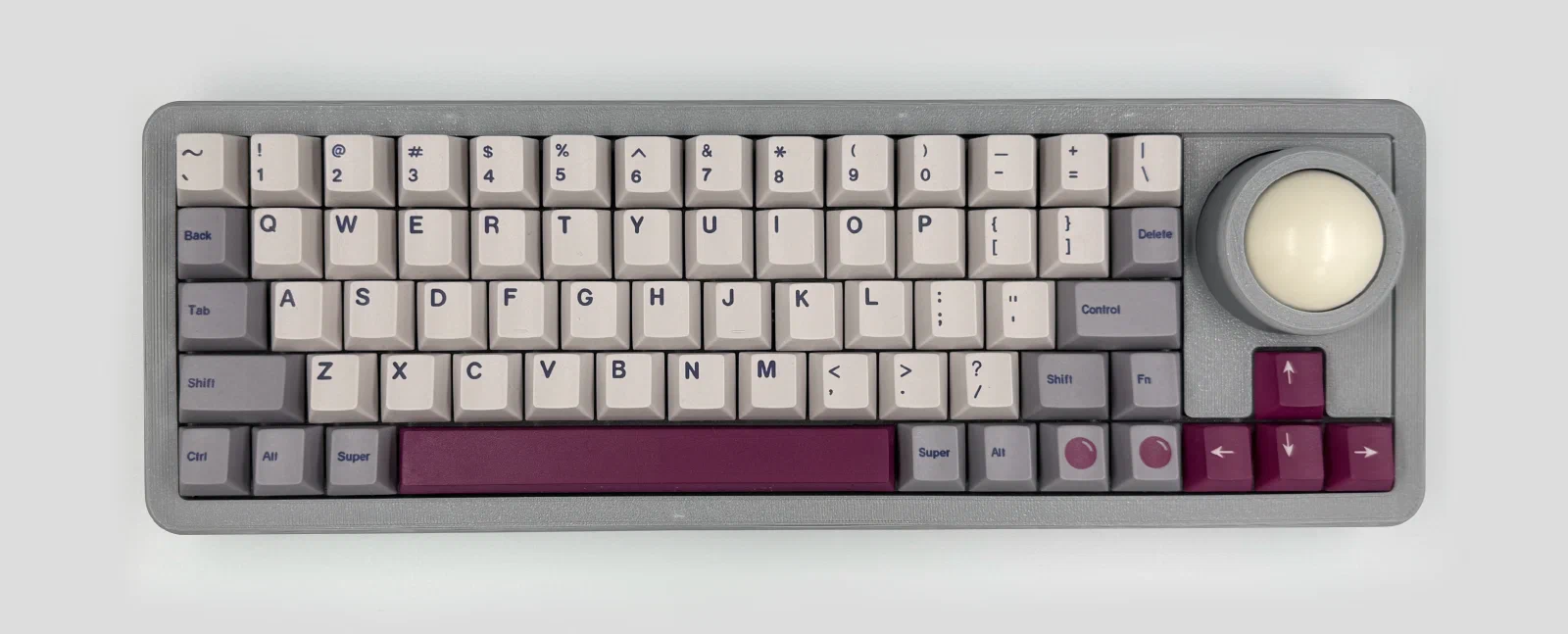
I went with a Tenkeyless (TKL) layout for this one, removed 6 keys from the right cluster, and added a trackball in their place. I’m left-handed, but I put the trackball on the right since the idea was to use it alongside my main mouse (which sits on the left). The click and scroll buttons sit to the left of the left arrow key, so they land comfortably under your thumb.
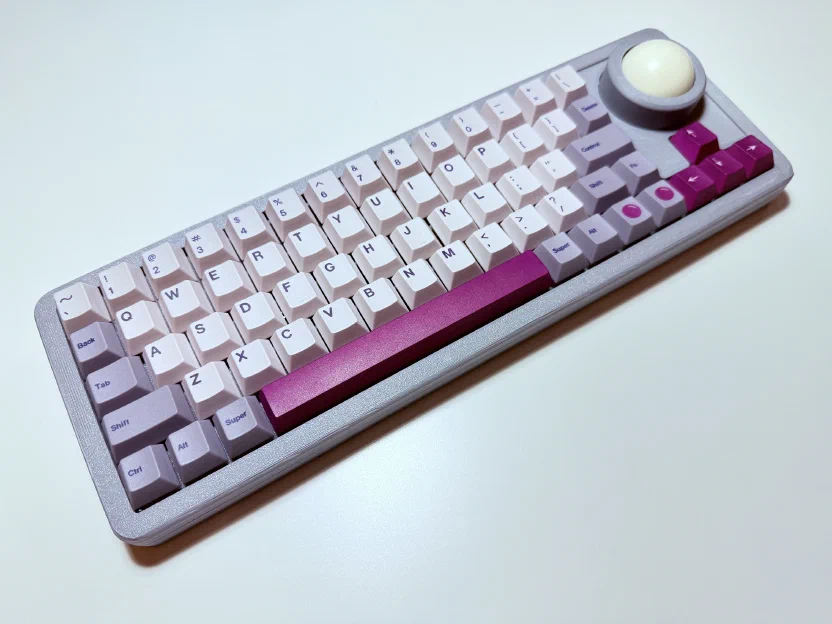
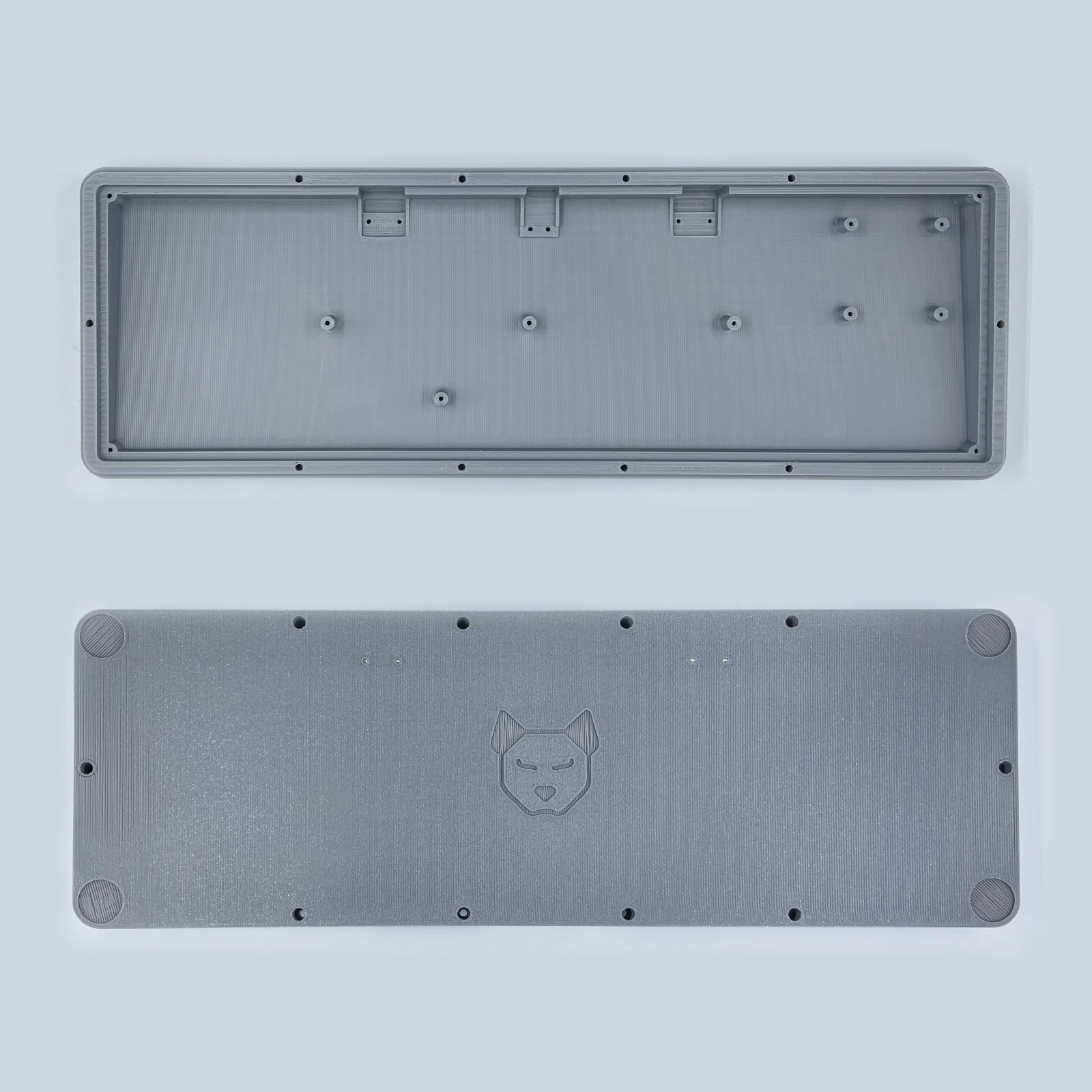
Case
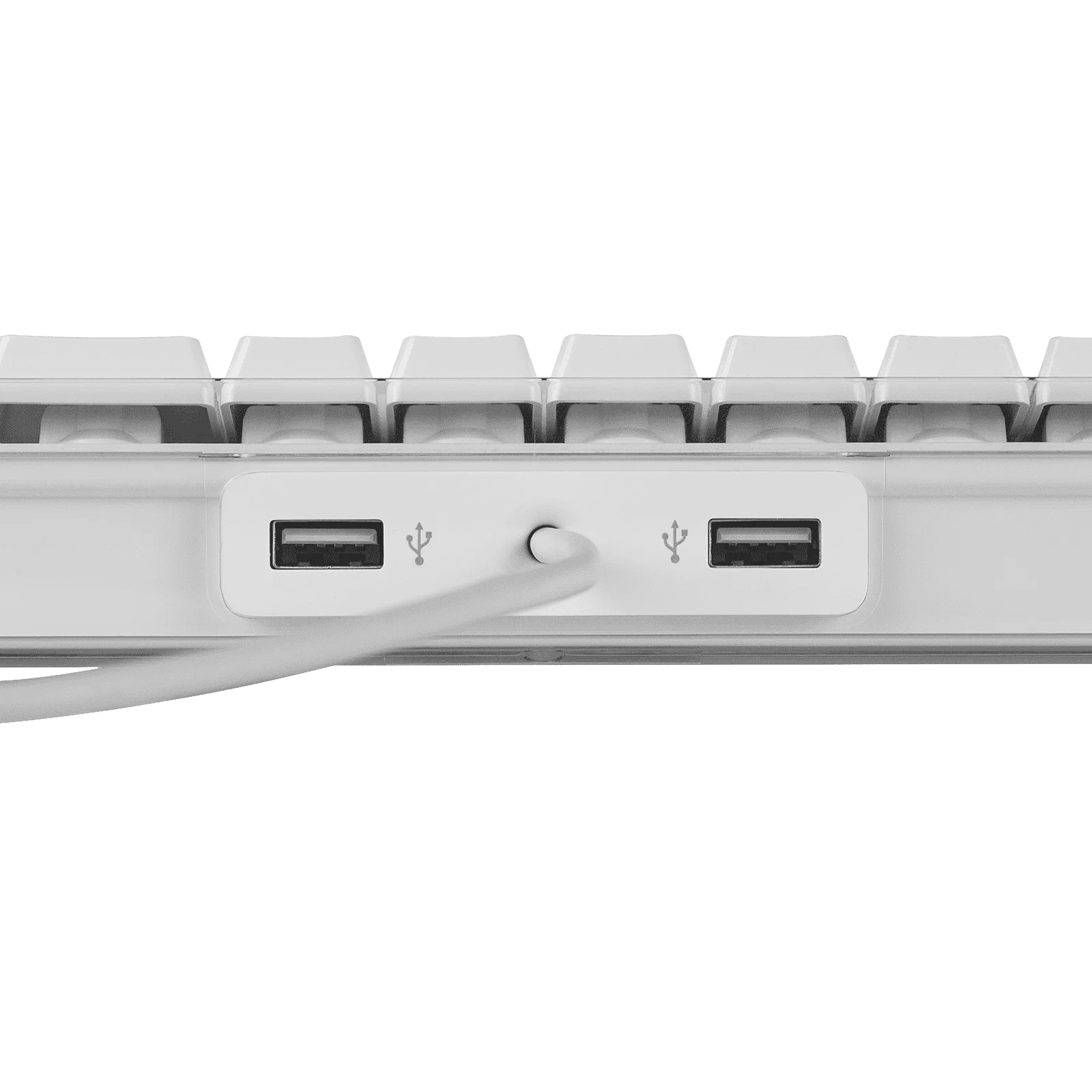
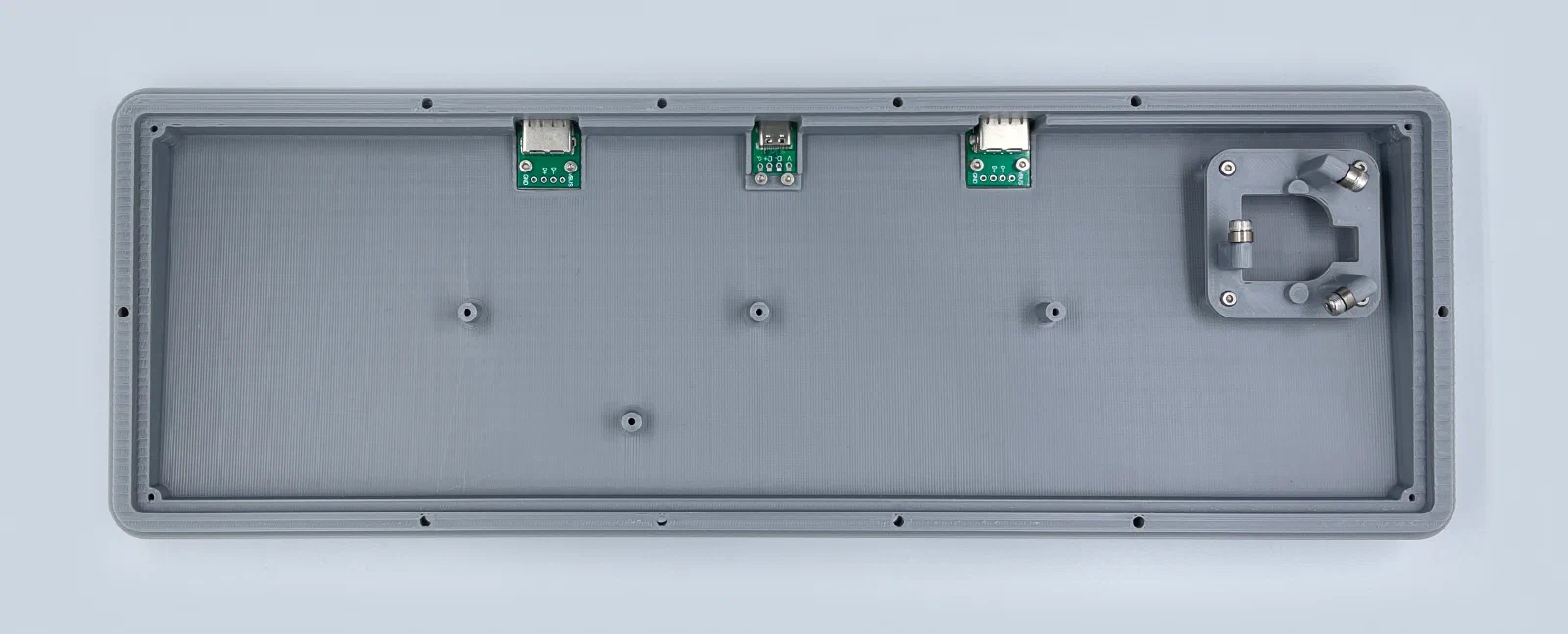
This is already the second version of the case. Compared to the first, I added two extra USB ports, like the old Apple keyboards, so you can plug in flash drives or other peripherals. I also gave the case a 5° tilt.
You can grab the print files from Printables, including the .STEP file.
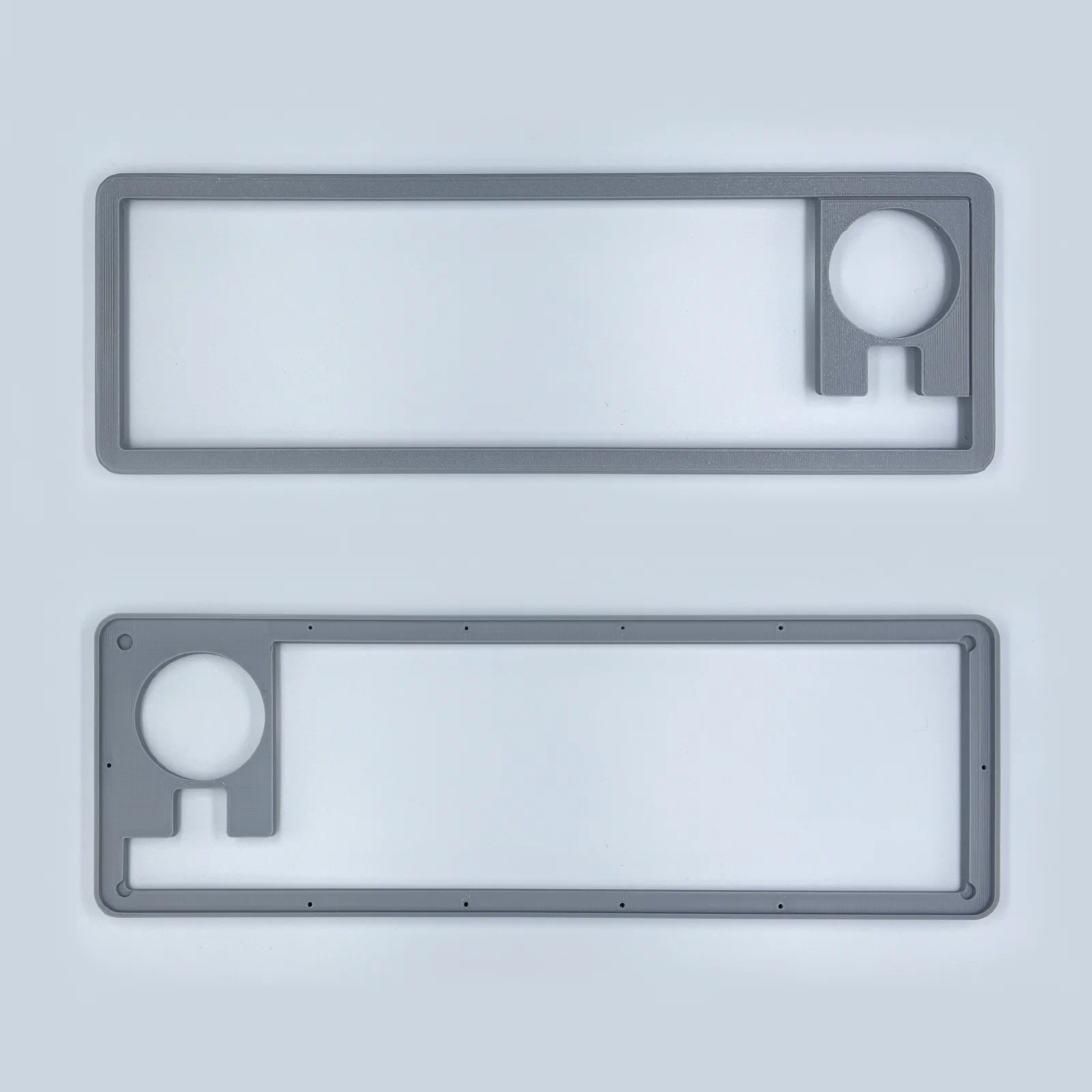
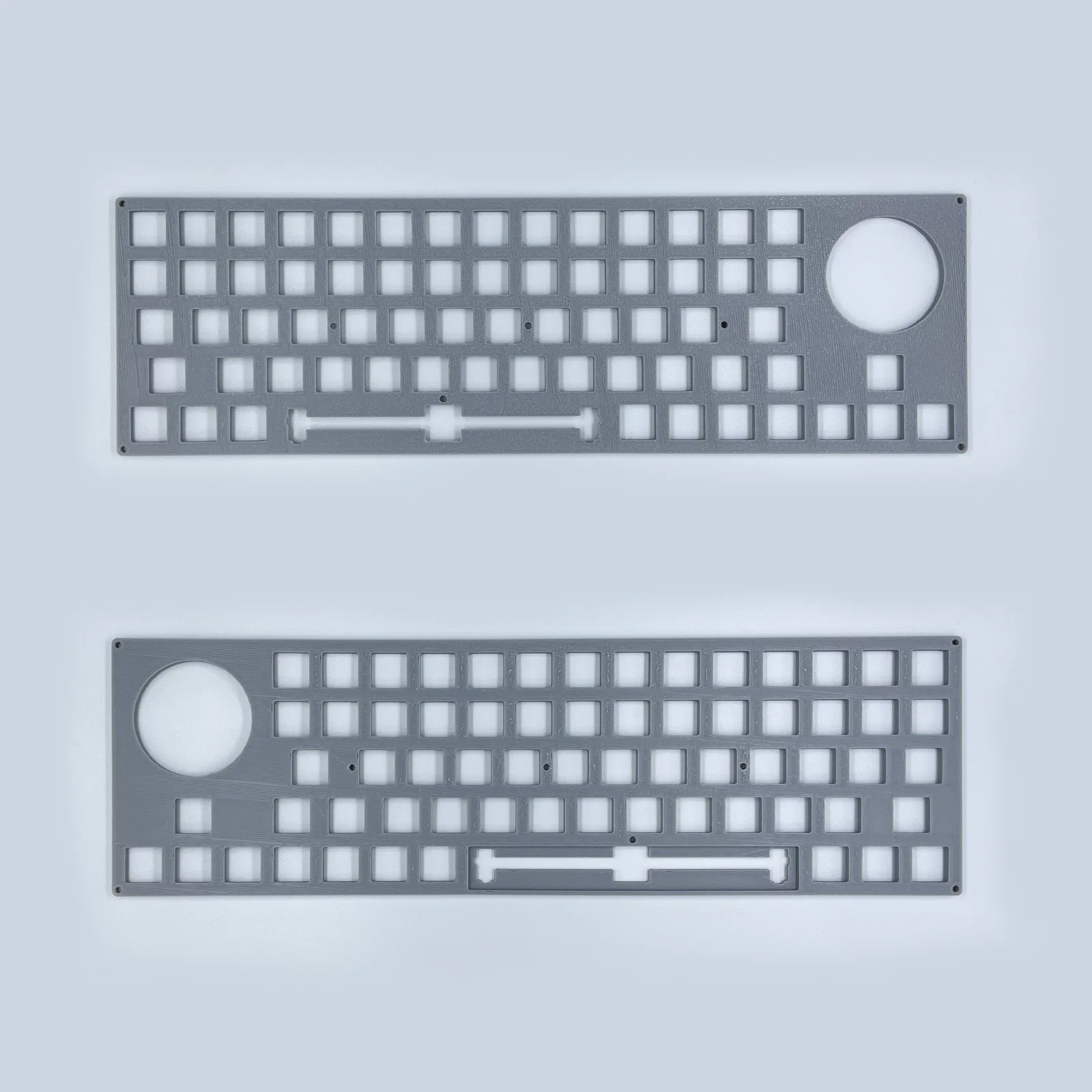
Bill of materials
| Part | Count |
|---|---|
| Pi Pico (USB-C clone) | 1 |
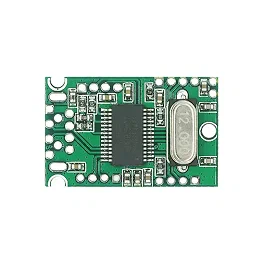
| USB Hub Module FE11SX4 (pic) | 1 |
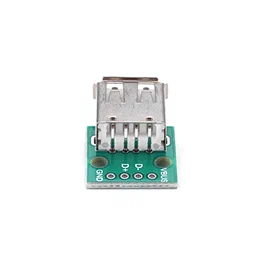
| USB-A female connector (pic) | 2 |
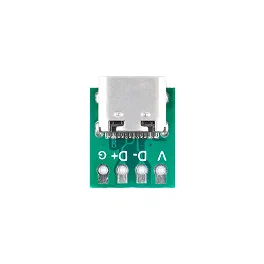
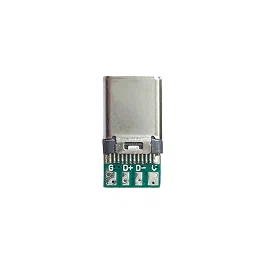
| USB-C female connector (pic) | 1 |
| USB-C male connector (pic) | 1 |
| 3D printed case | 1 |
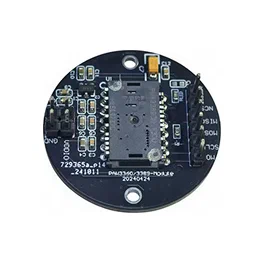
| PMW3389 module (pic) | 1 |
| 38mm billiard ball | 1 |
| Bearings MR63ZZ (3×6x2.5mm) | 3 |
| M3 screws (8mm) | 3 |
| M2 screws | 28 |
| MX switches (Gateron Pro Milky Red) | 66 |
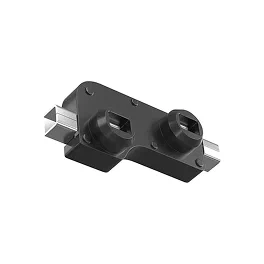
| MX Hotswap Sockets (pic) | 66 |
| 1N4148 diodes | 66 |
| Keycaps | 66 |
| 6.25u or 7u plate mount stabilizer | 1 |
| Adhesive Bumper Pads (15mm) | 4 |
| Wire (28AWG) | |
| Heat shrink tubing |
Build Log
7.00u spacebar variant (also available 6.25u variant)
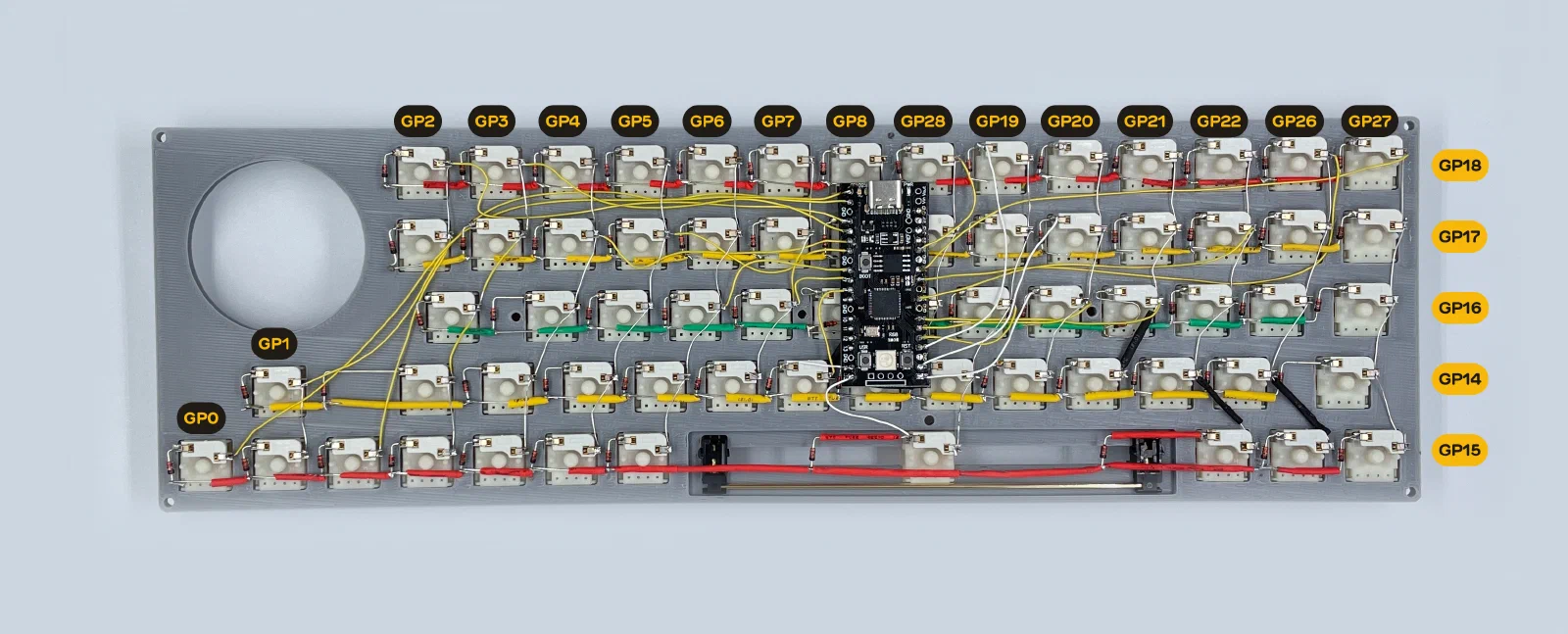
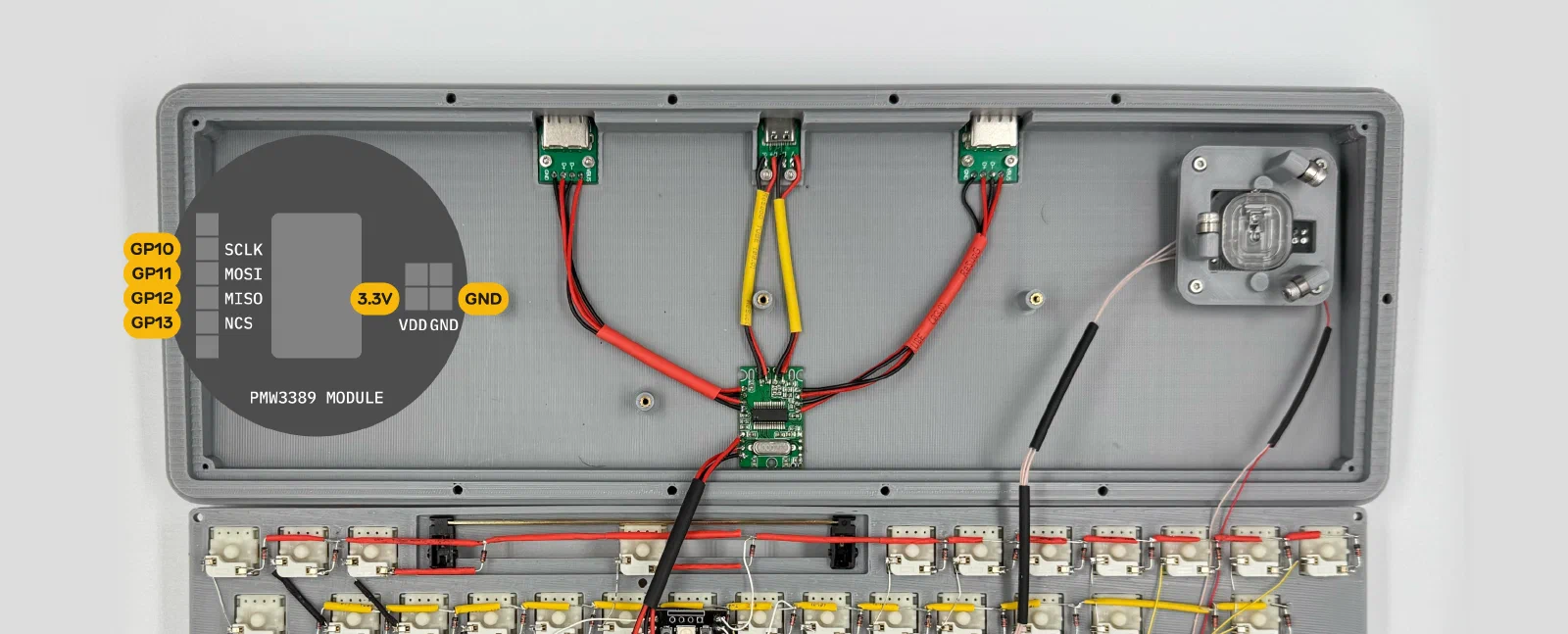
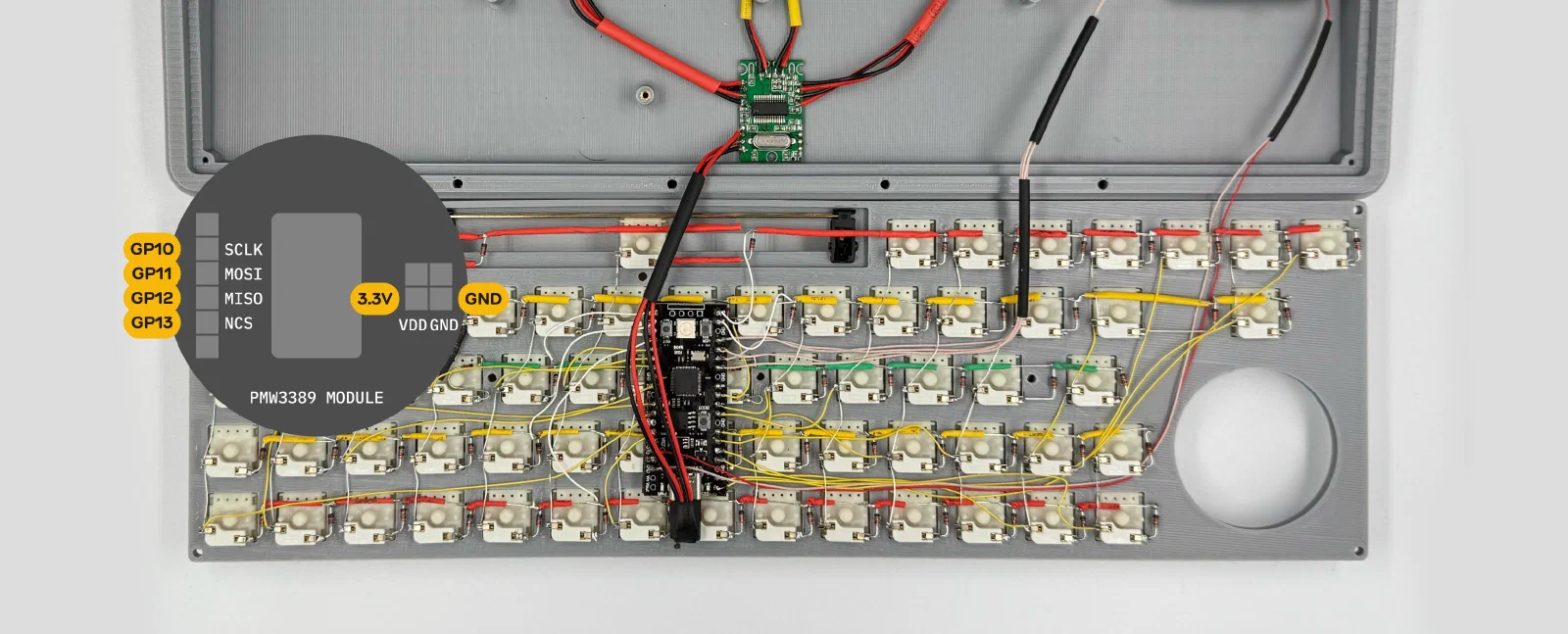
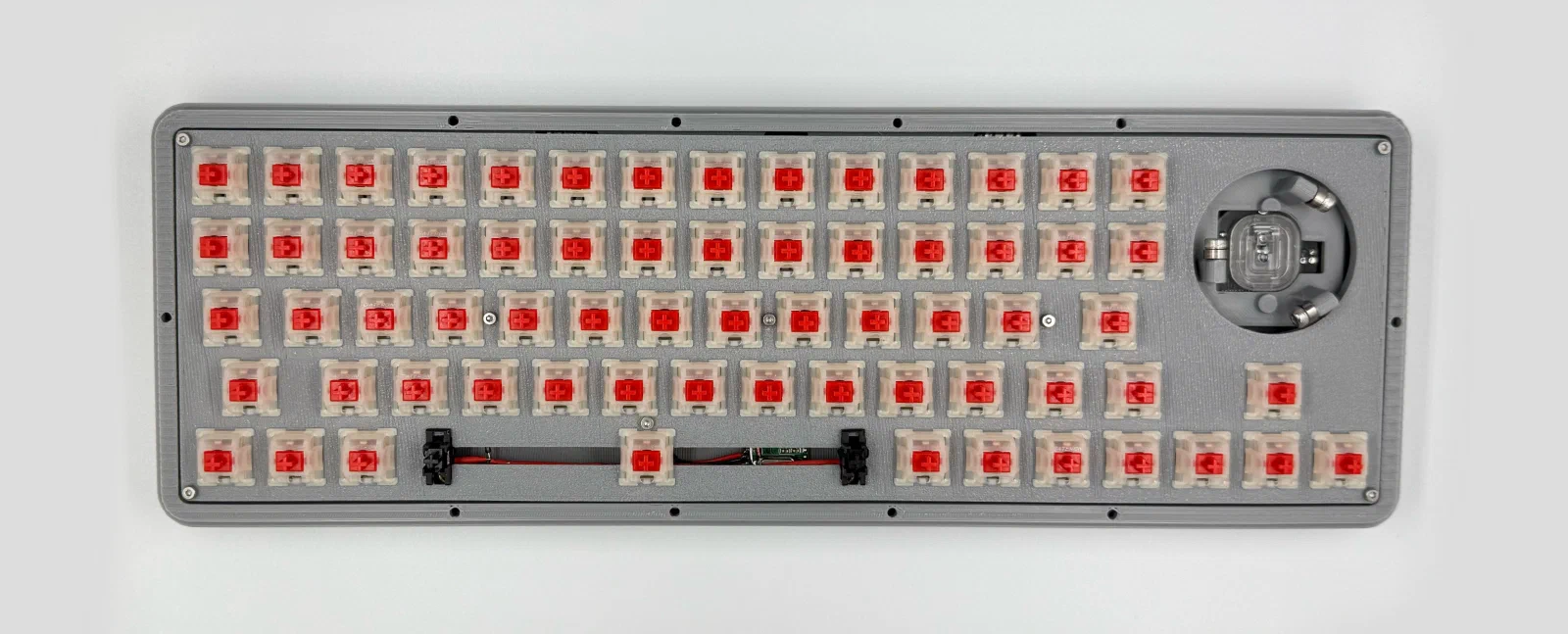
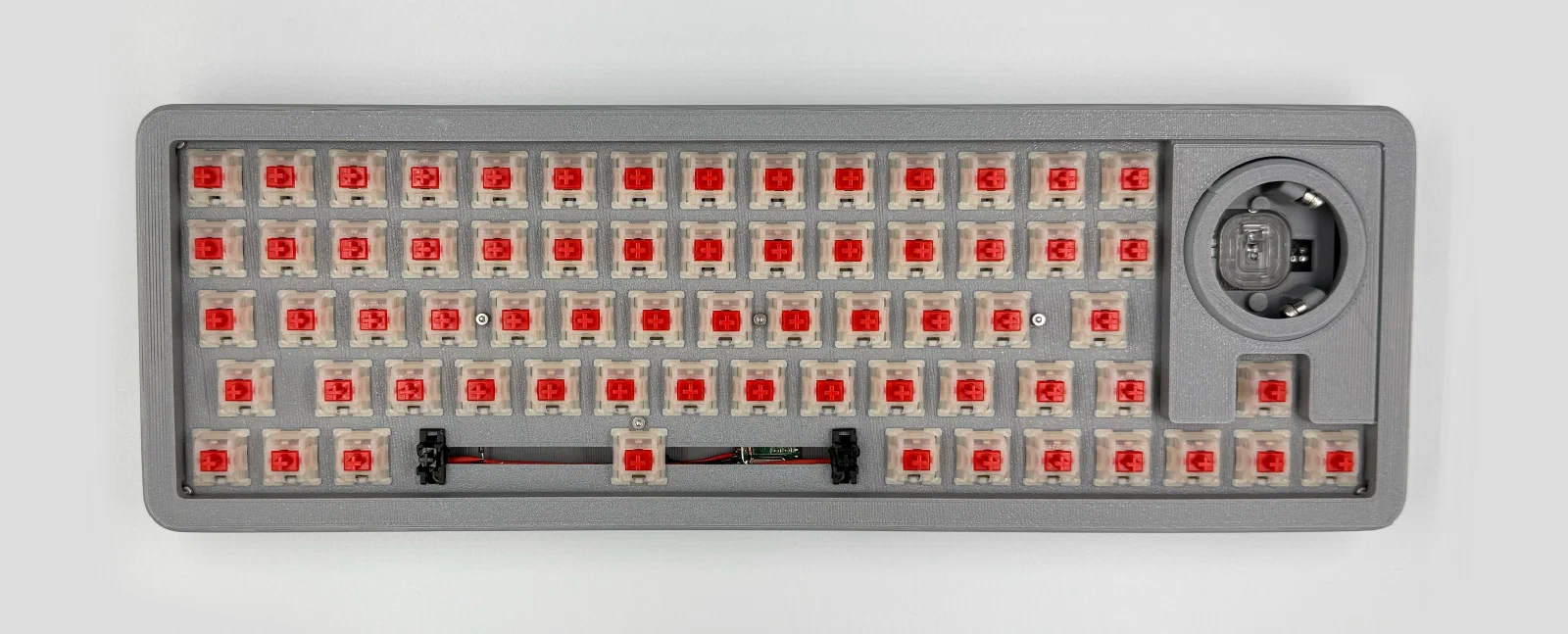
Inside it’s total wire chaos, nothing to brag about aesthetically, but it all works. This time I tried hotswap sockets, so I can swap switches if I ever need to.
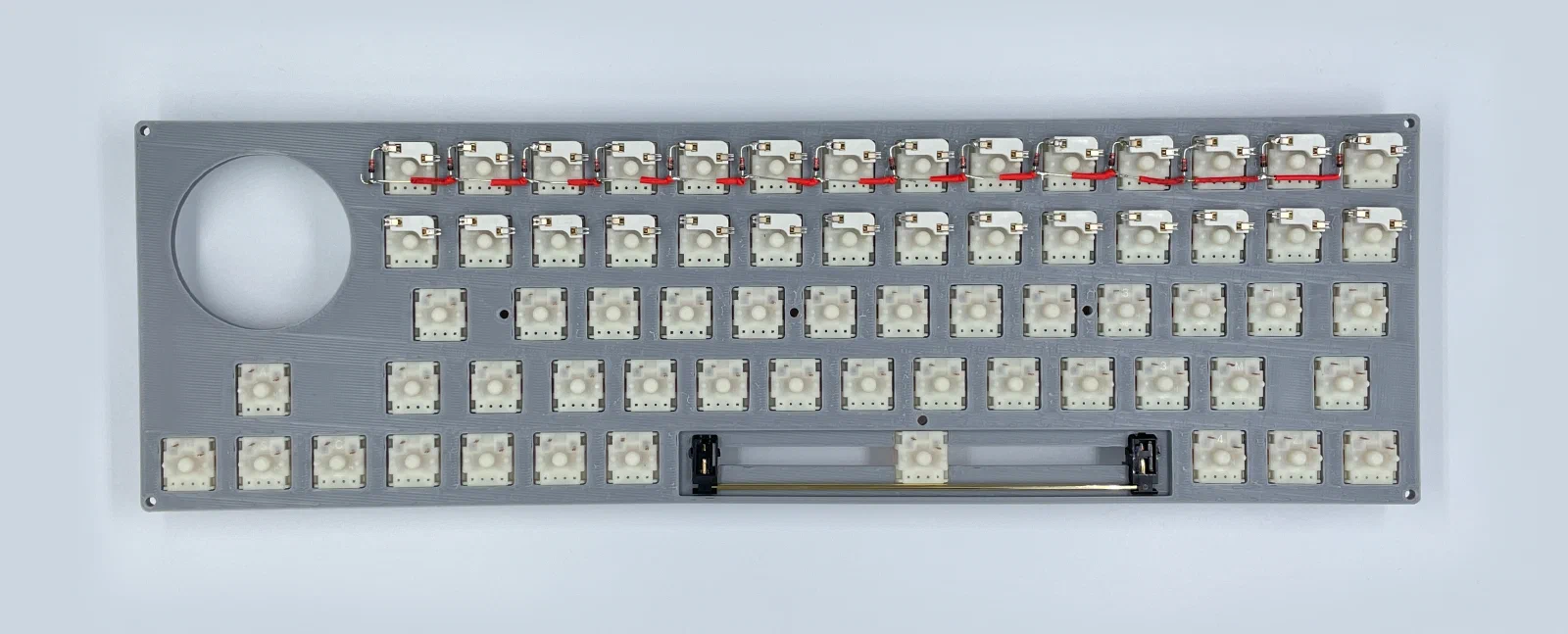
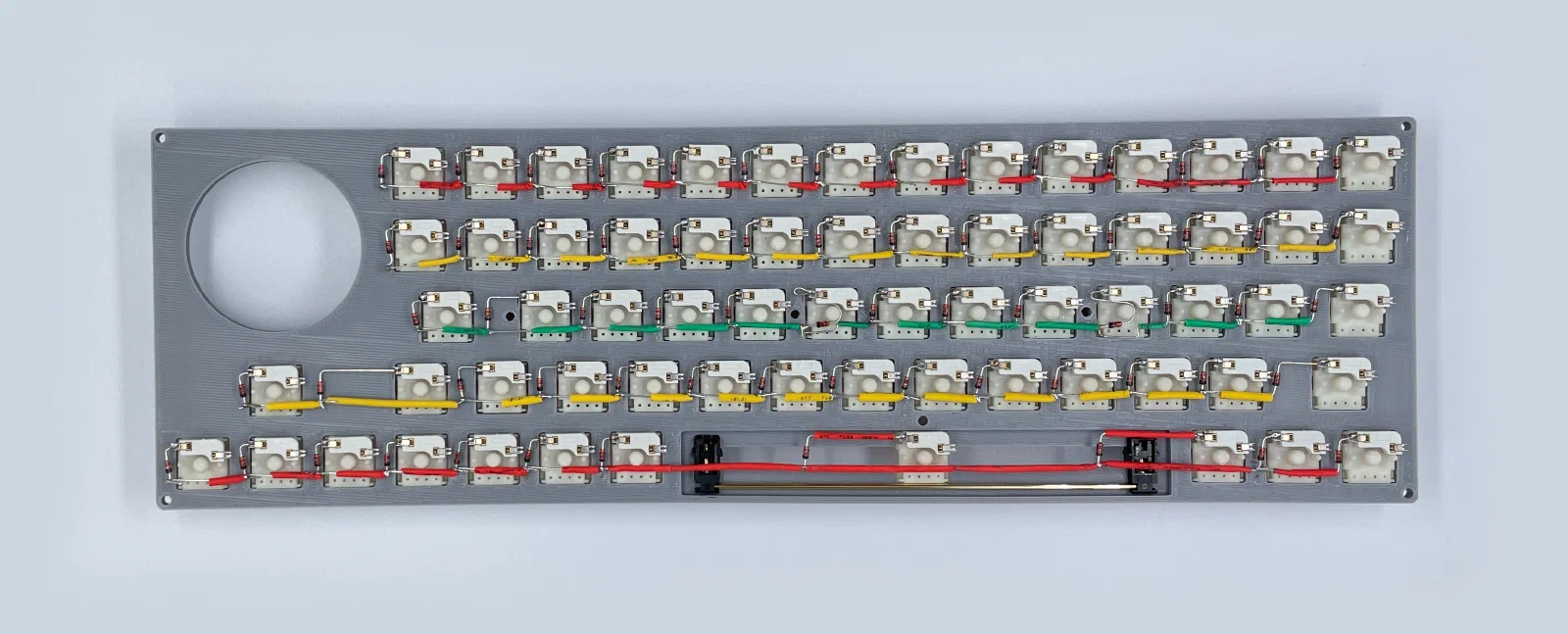
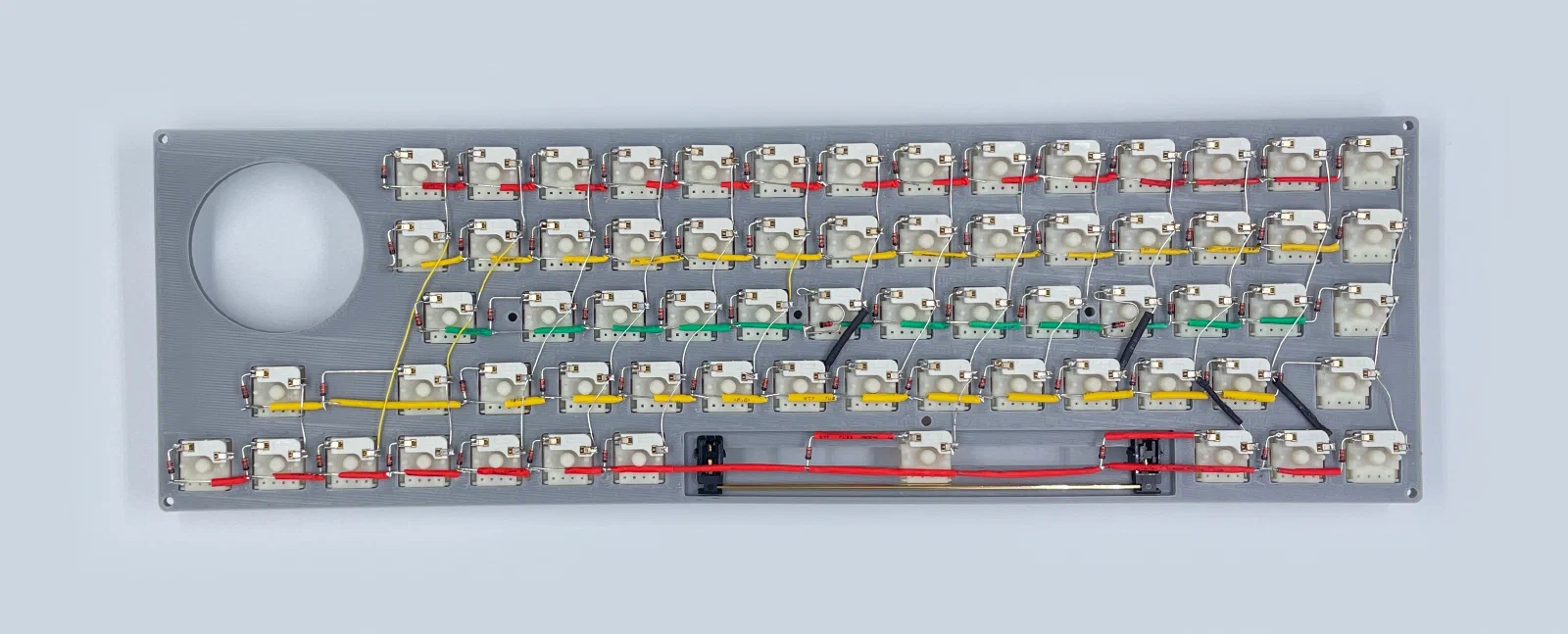
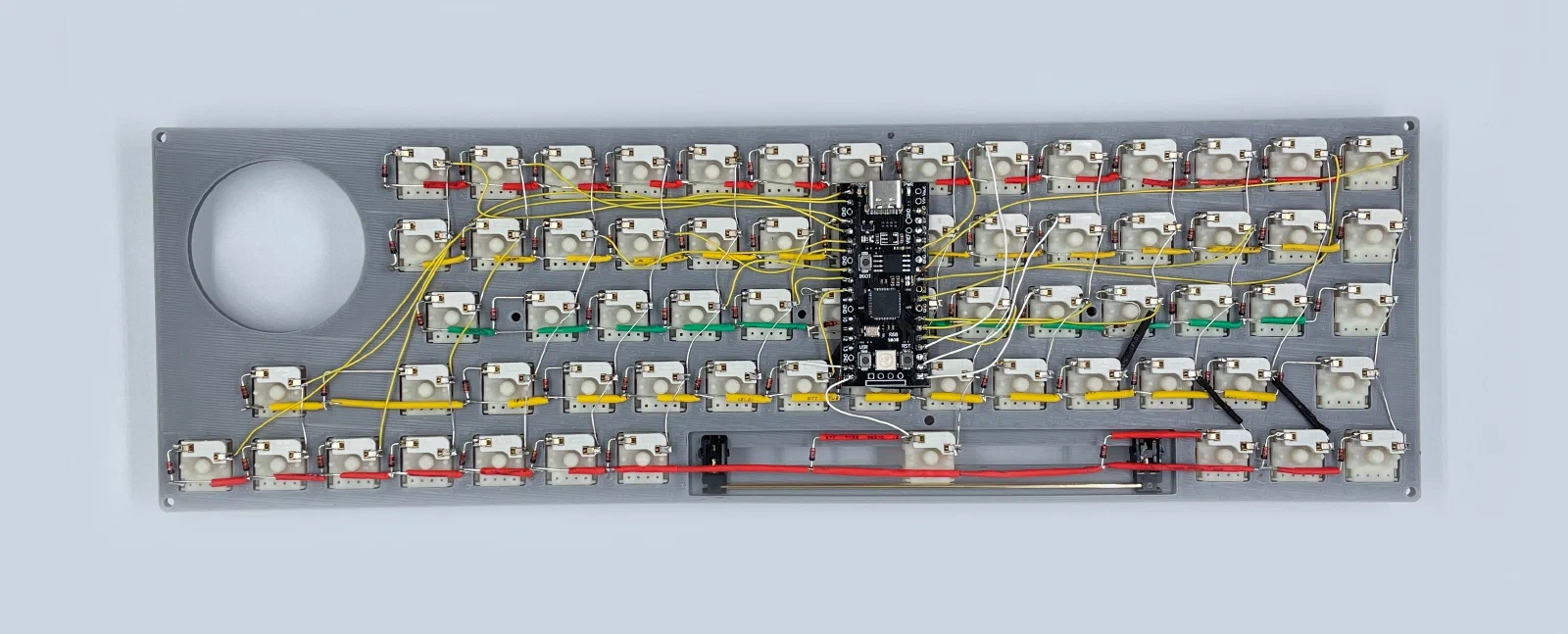
Firmware
I’m using QMK for the firmware. Repo’s on GitHub. Pre-compiled firmware.
Pin direction:
"matrix_pins": {
    "cols": ["GP27", "GP26", "GP22", "GP21", "GP20", "GP19", "GP28", "GP8", "GP7", "GP6", "GP5", "GP4", "GP3", "GP2", "GP1", "GP0"],
    "rows": ["GP18", "GP17", "GP16", "GP14", "GP15"]
}
PMW3389 module pins:
#define SPI_DRIVER SPID1
#define SPI_SCK_PIN GP10
#define SPI_MOSI_PIN GP11
#define SPI_MISO_PIN GP12
#define PMW33XX_CS_PIN GP13
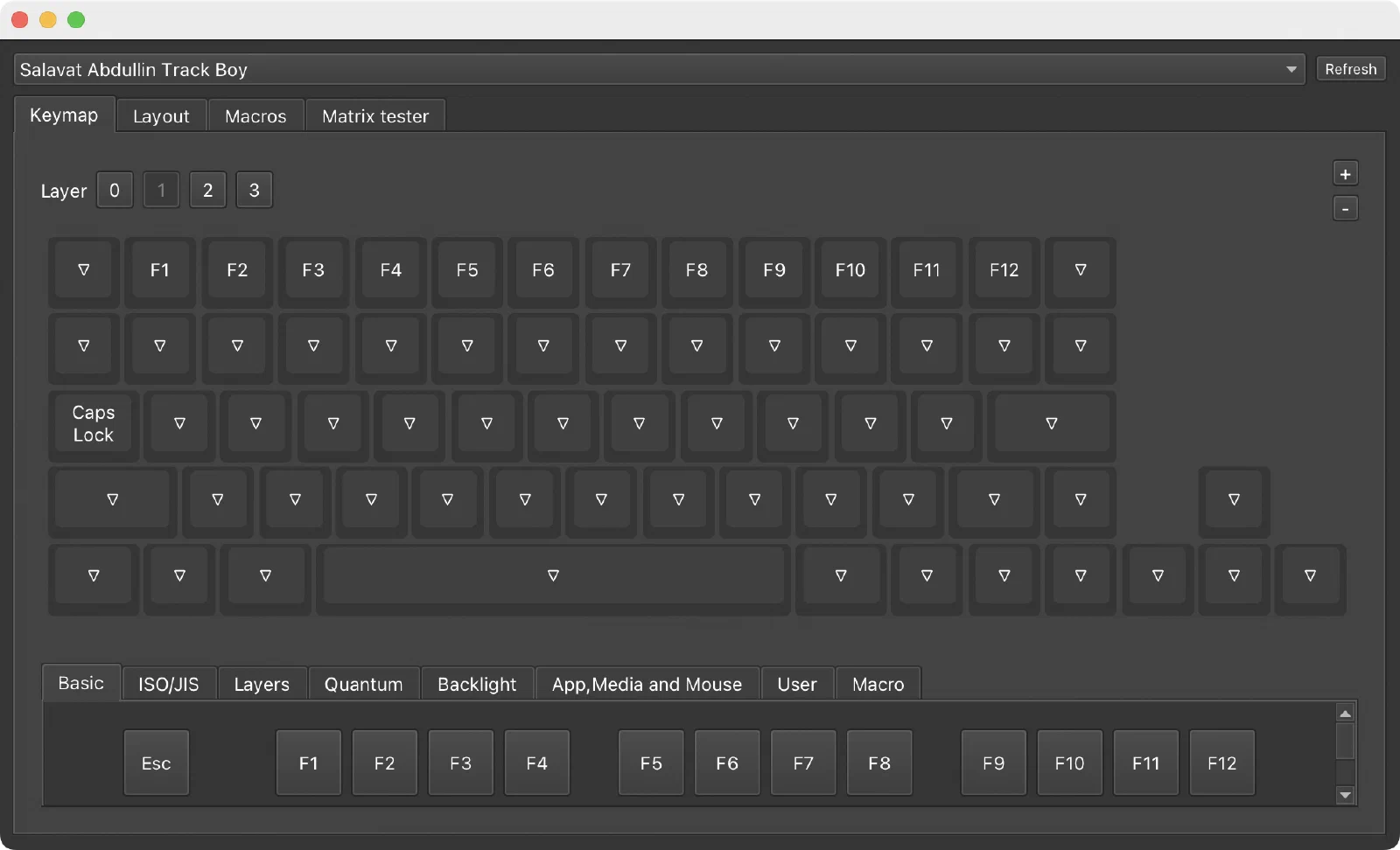
Trackball Controls
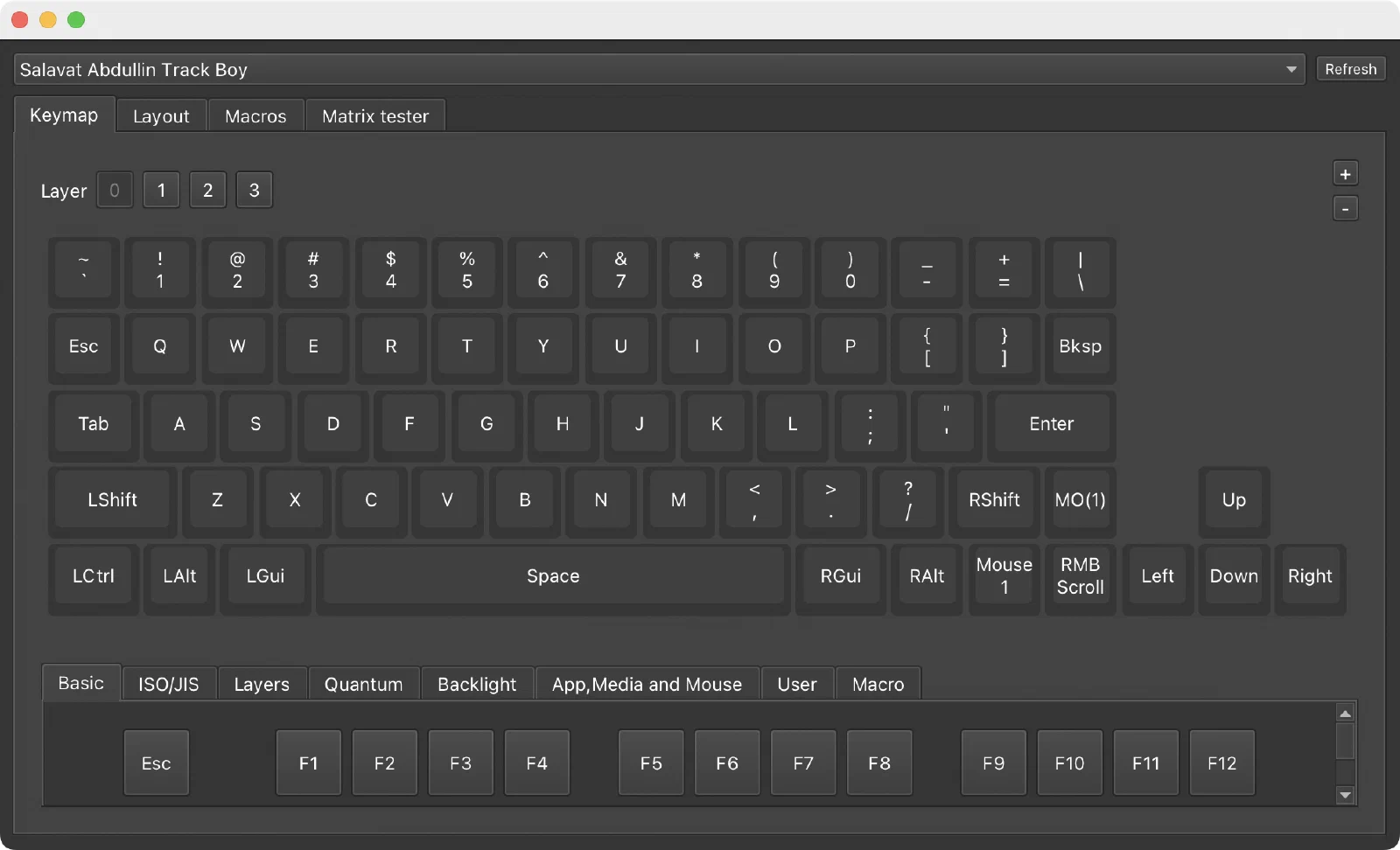
- Base layer left trackball button: left mouse click
- Optional: while the left trackball button is held, pointer DPI can temporarily switch to a separate drag DPI value
- Base layer right trackball button: tap for right mouse click
- Base layer right trackball button: hold for scroll mode
- While the right button is held in scroll mode, trackball movement is converted to scrolling
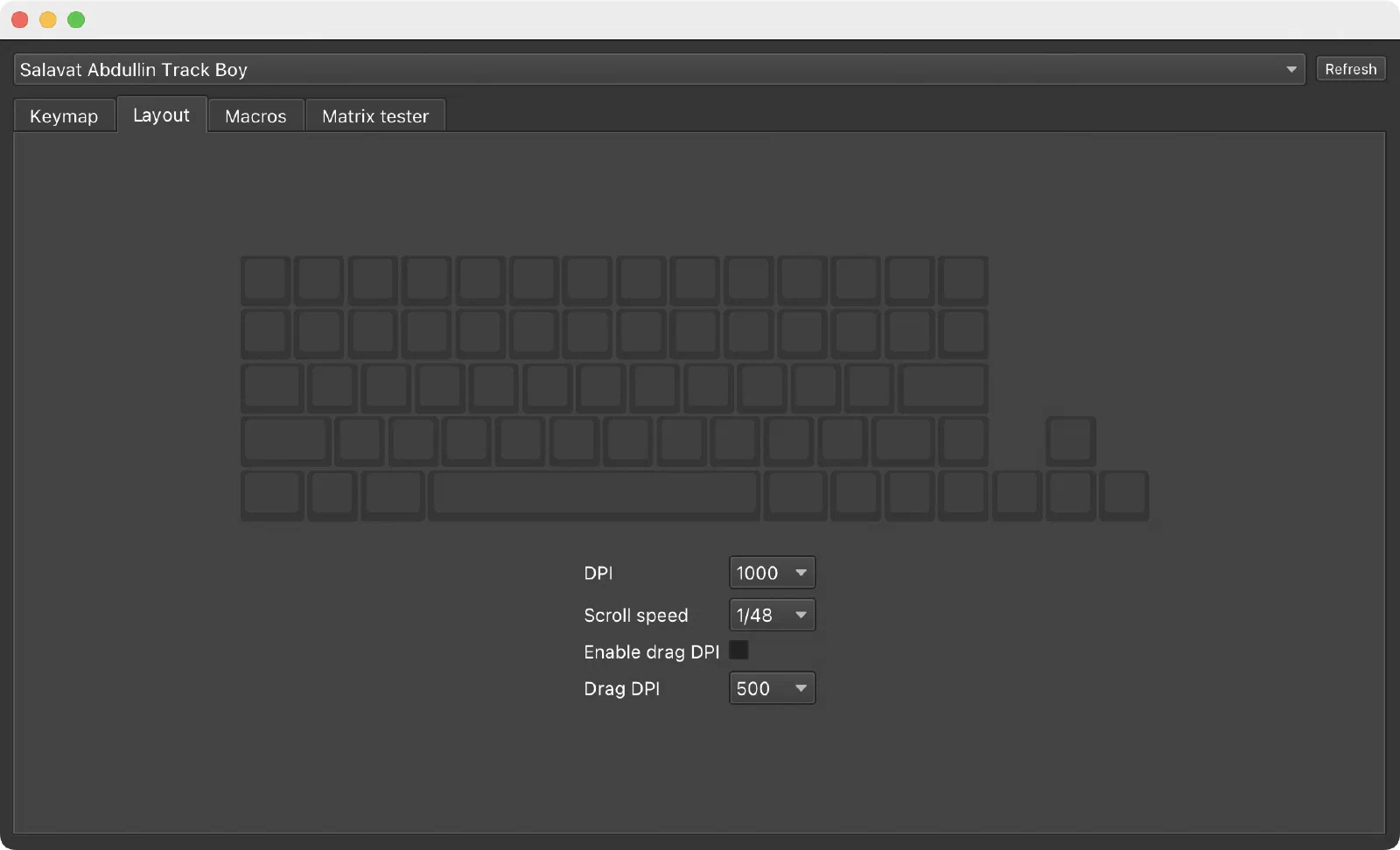
Vial Layout Options
- Vial unlock combo:
matrix[0][0] + matrix[0][1] - DPI: select pointer speed (
1000is the default) - Scroll speed: adjust vertical scroll sensitivity (
1/48is the default) - Enable drag DPI: turn temporary low-speed drag mode on or off while the left trackball button is held
- Drag DPI: select the temporary pointer speed used while holding the left trackball button (
500is the default)
Resources
- Case print files on Printables
- Repo: GitHub
- Pre-compiled firmware
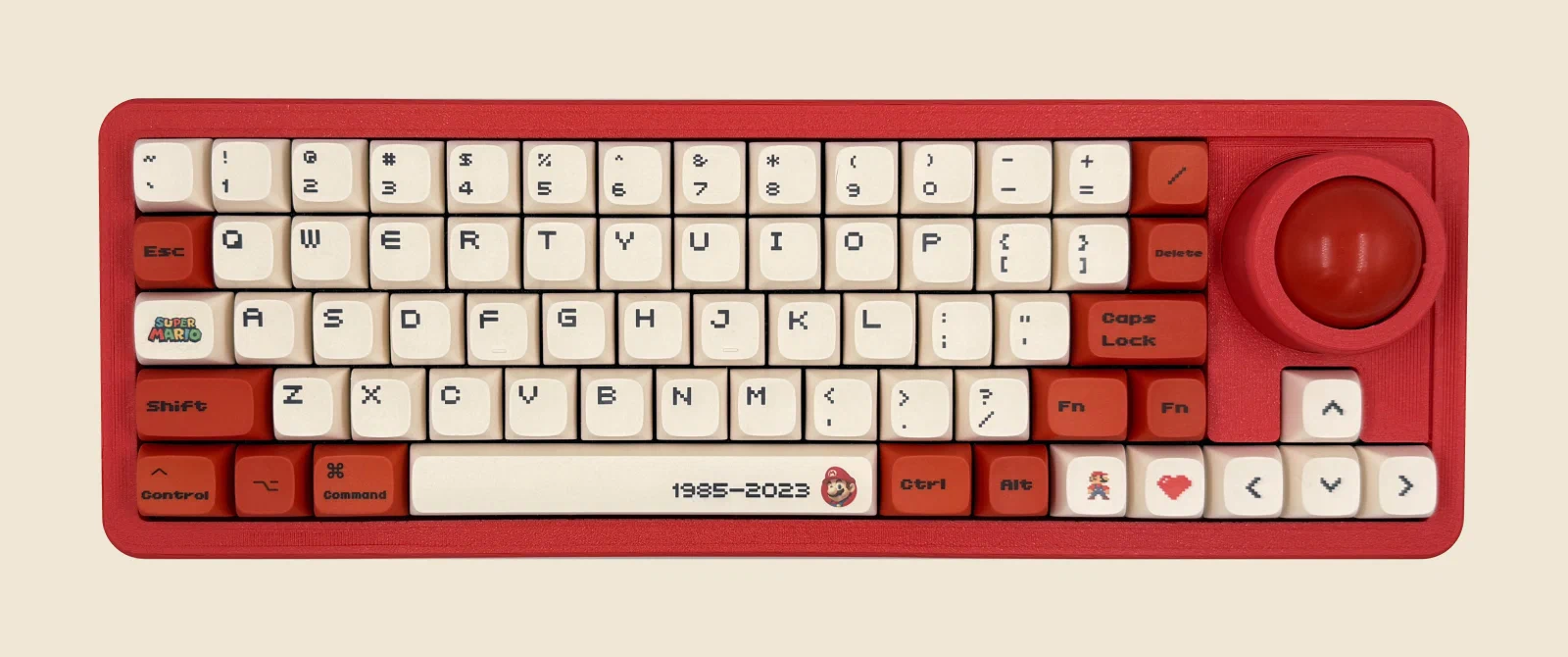
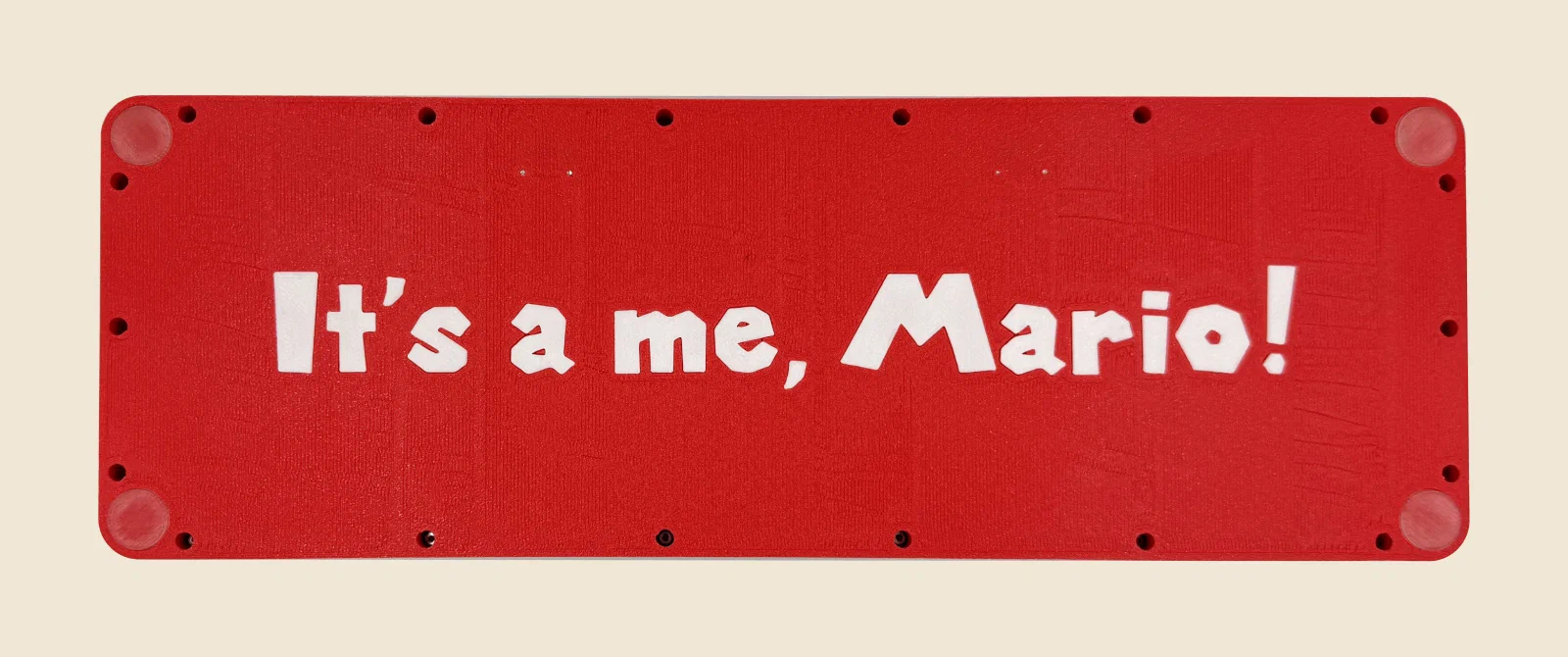
Mario Edition
Credits
This trackball housing and firmware were inspired by and initially prototyped from the HPD keyboard. Thanks to Ergohaven for publishing their work as open source.