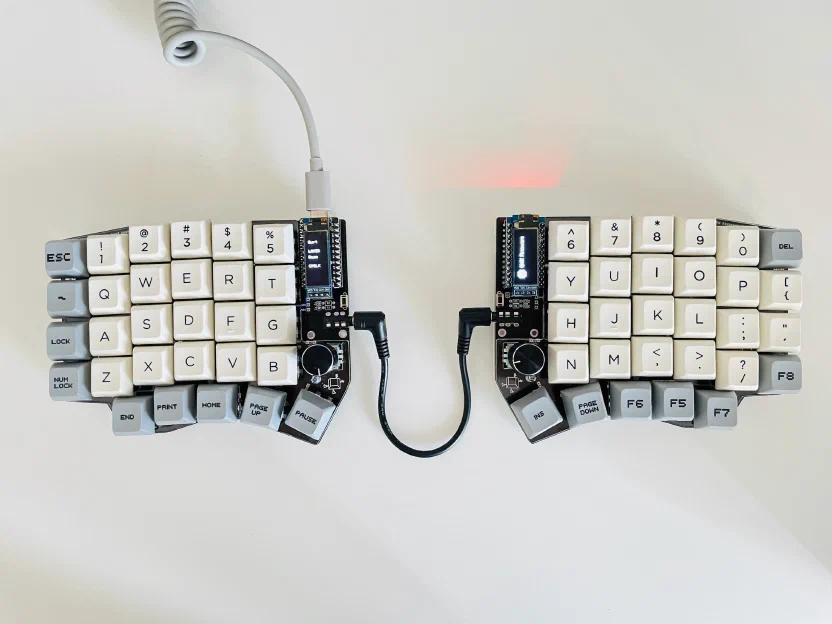
From what I’ve seen, people who get into mechanical keyboards usually follow roughly the same path:
- First, they just switch to mechanical switches, keeping the keyboard’s familiar size.
- Then they start looking at more compact layouts: dropping the numpad and the F-key row.
- Drop the arrow keys.
- Switch to an ortholinear layout (where every key sits in a straight vertical column, instead of the row-to-row offset from typewriters).
- Switch to a split (where the keyboard is divided into two halves).
- The terminal stage: switching to ergonomic keyboards and changing layouts (say, from the familiar QWERTY to Dvorak, which is considered more efficient).
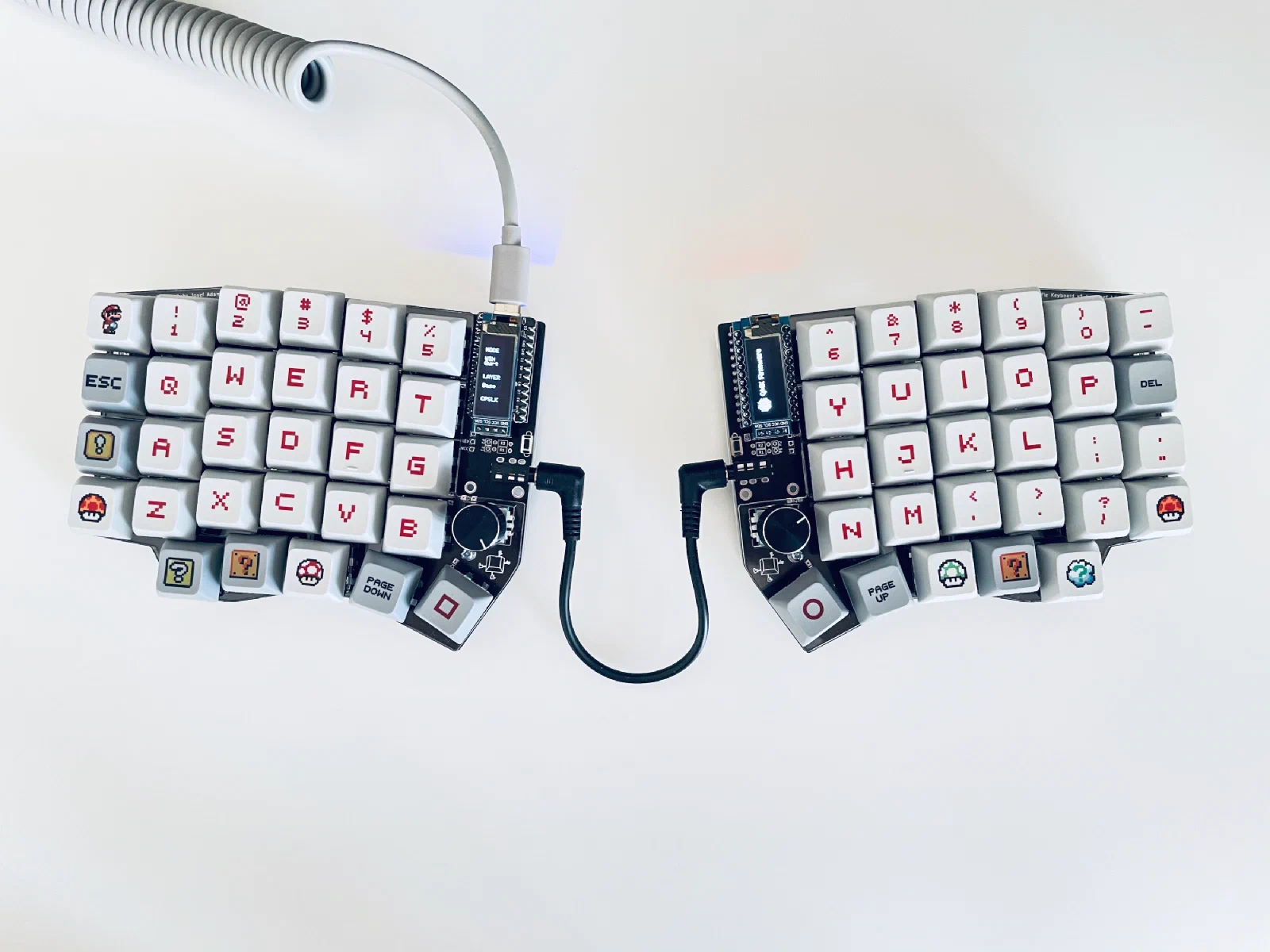
I jumped straight to the second-to-last step and started with an ortholinear split build. I settled on the Sofle PCB, which is based on split keyboards like Lily58, Corne, and Helix.
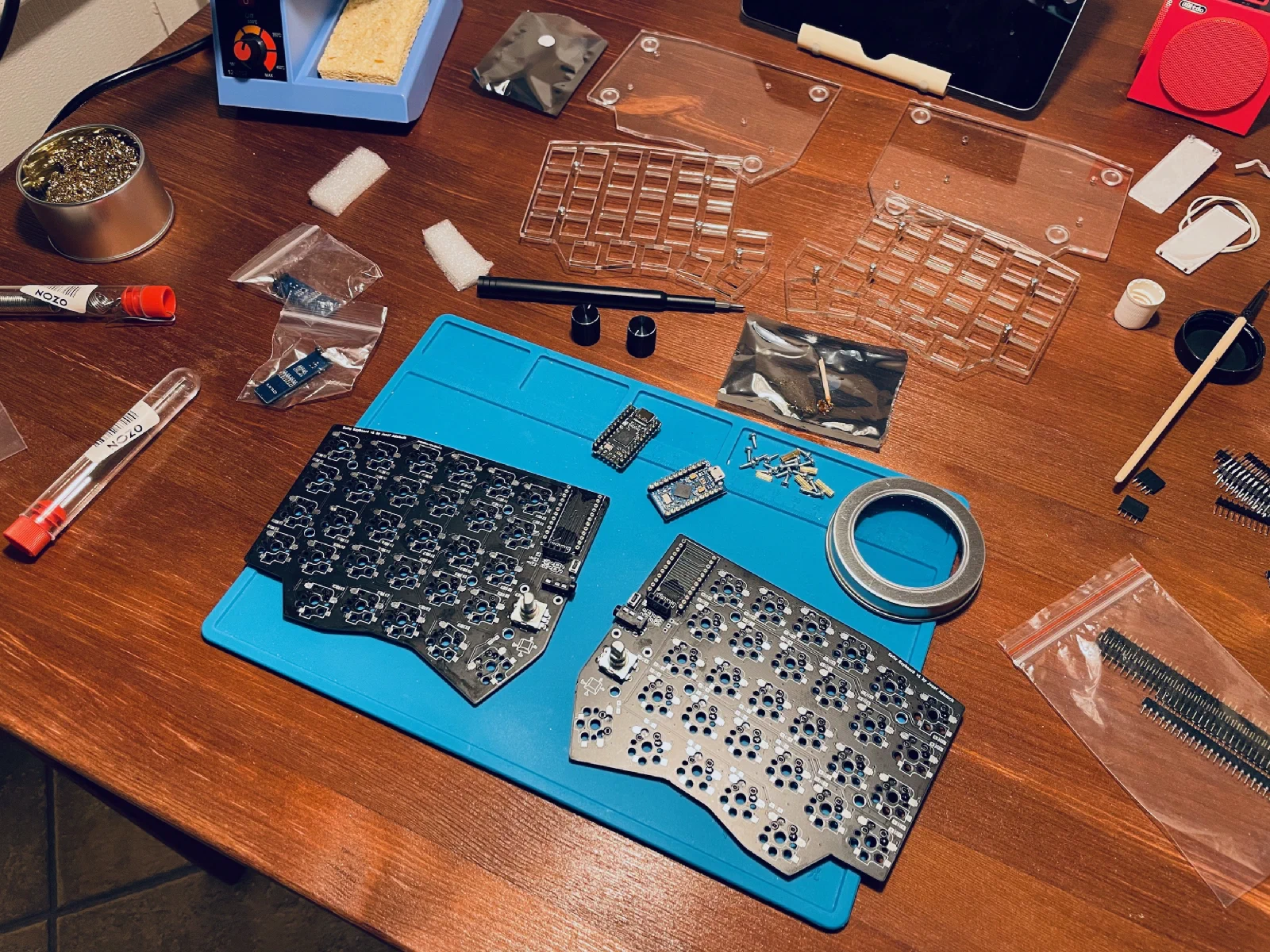
I decided to buy a kit rather than a finished keyboard, since I wanted to assemble and solder everything myself. I first ordered a kit from Australia, but then found a UK shop, Mechboards, and reordered from there.
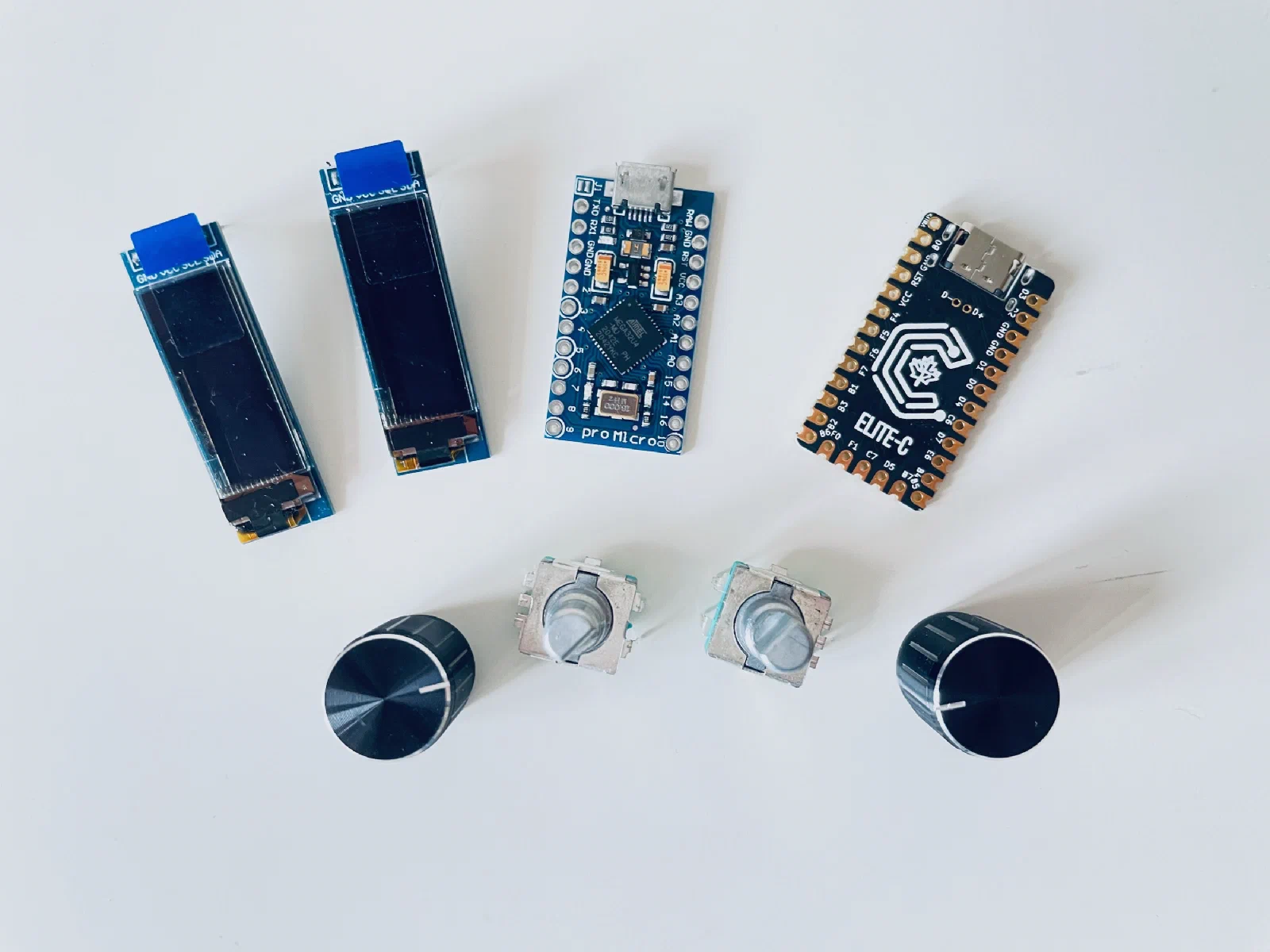
Separately, I ordered Cherry MX Red switches from AliExpress (a versatile, cheap linear switch, though far from the best), keycaps, and two Pro Micro microcontrollers. I also got special sockets that let me solder the microcontrollers in removably instead of permanently, similar to hotswap.
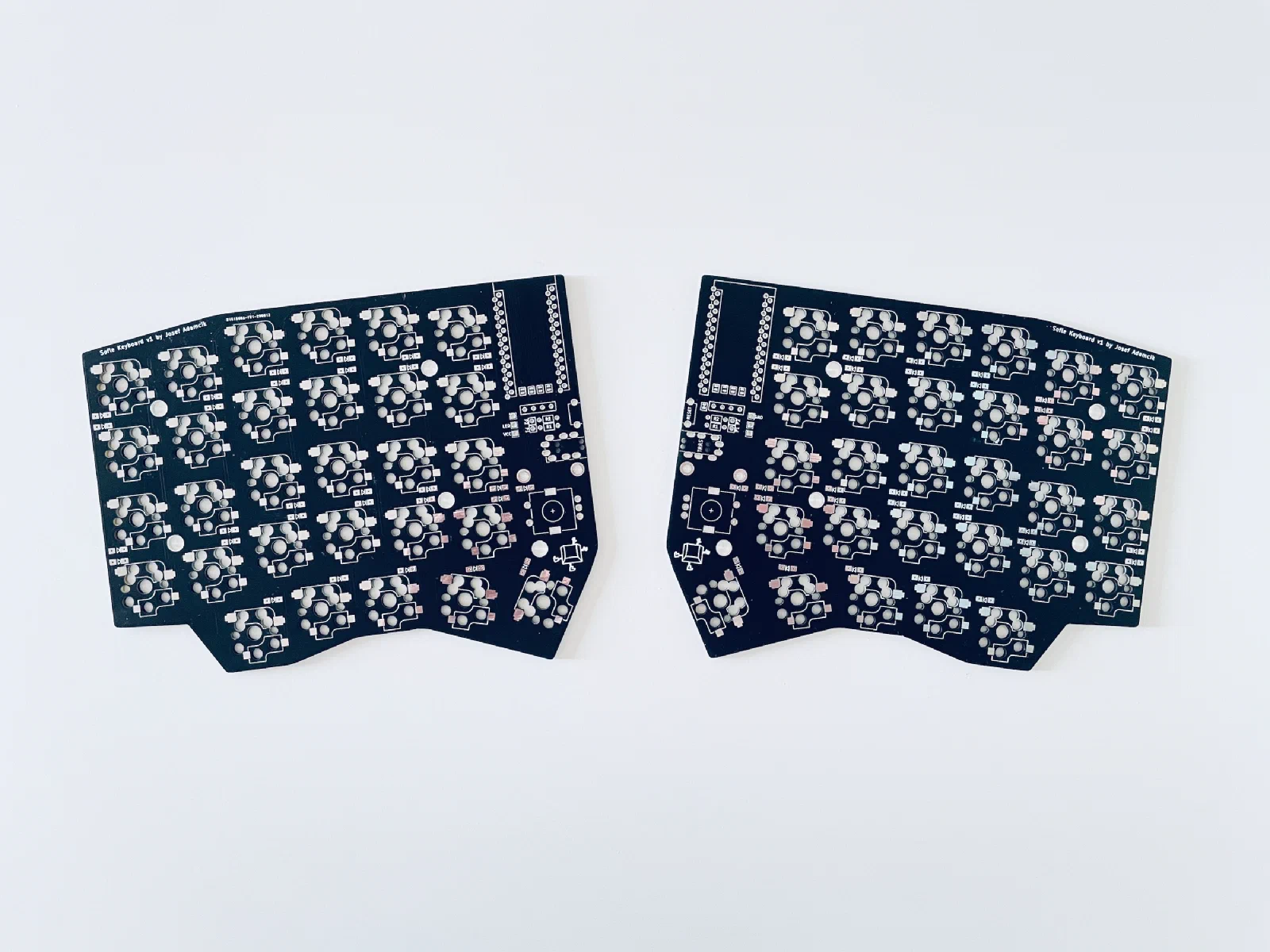
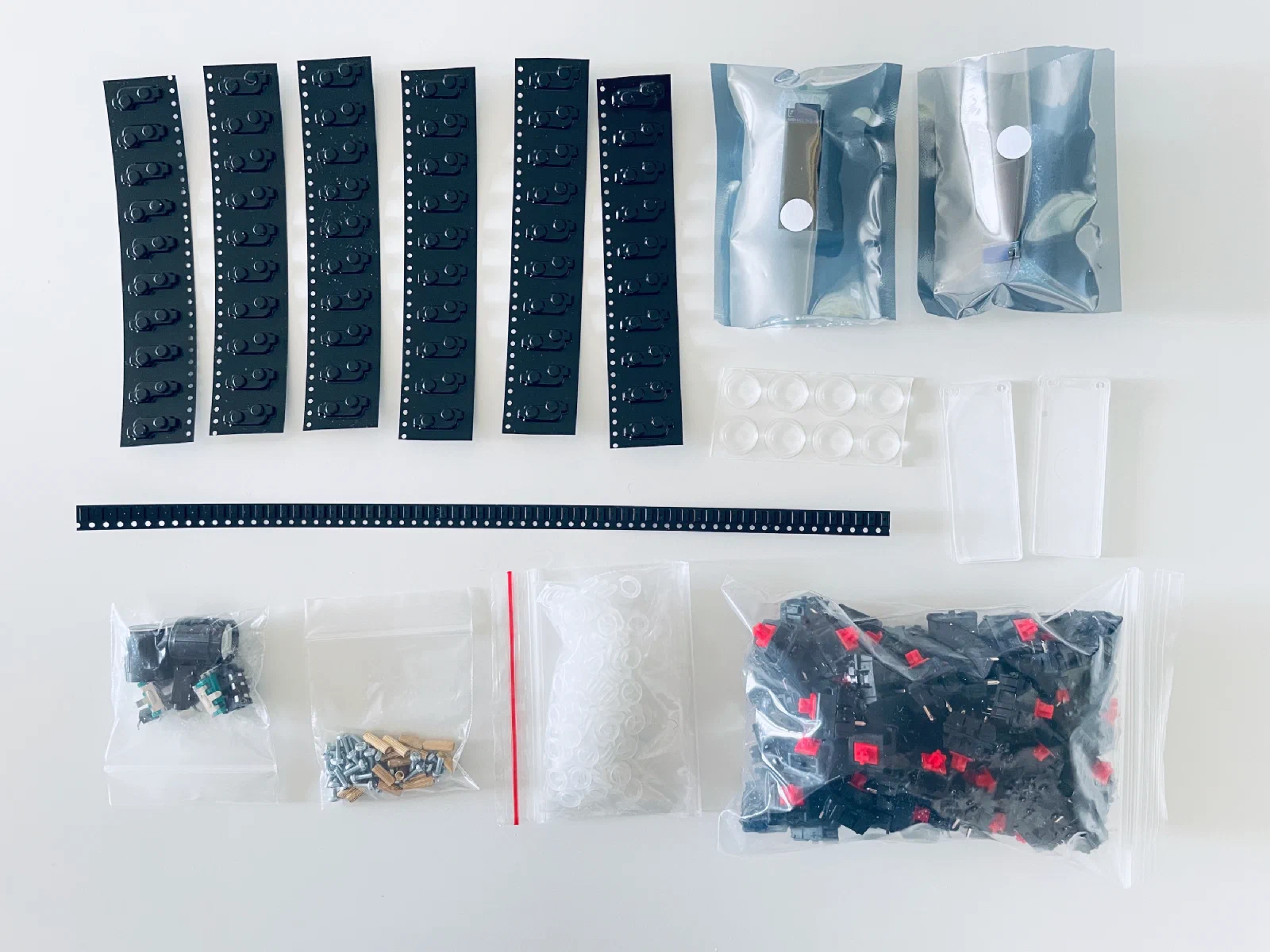
Build Log
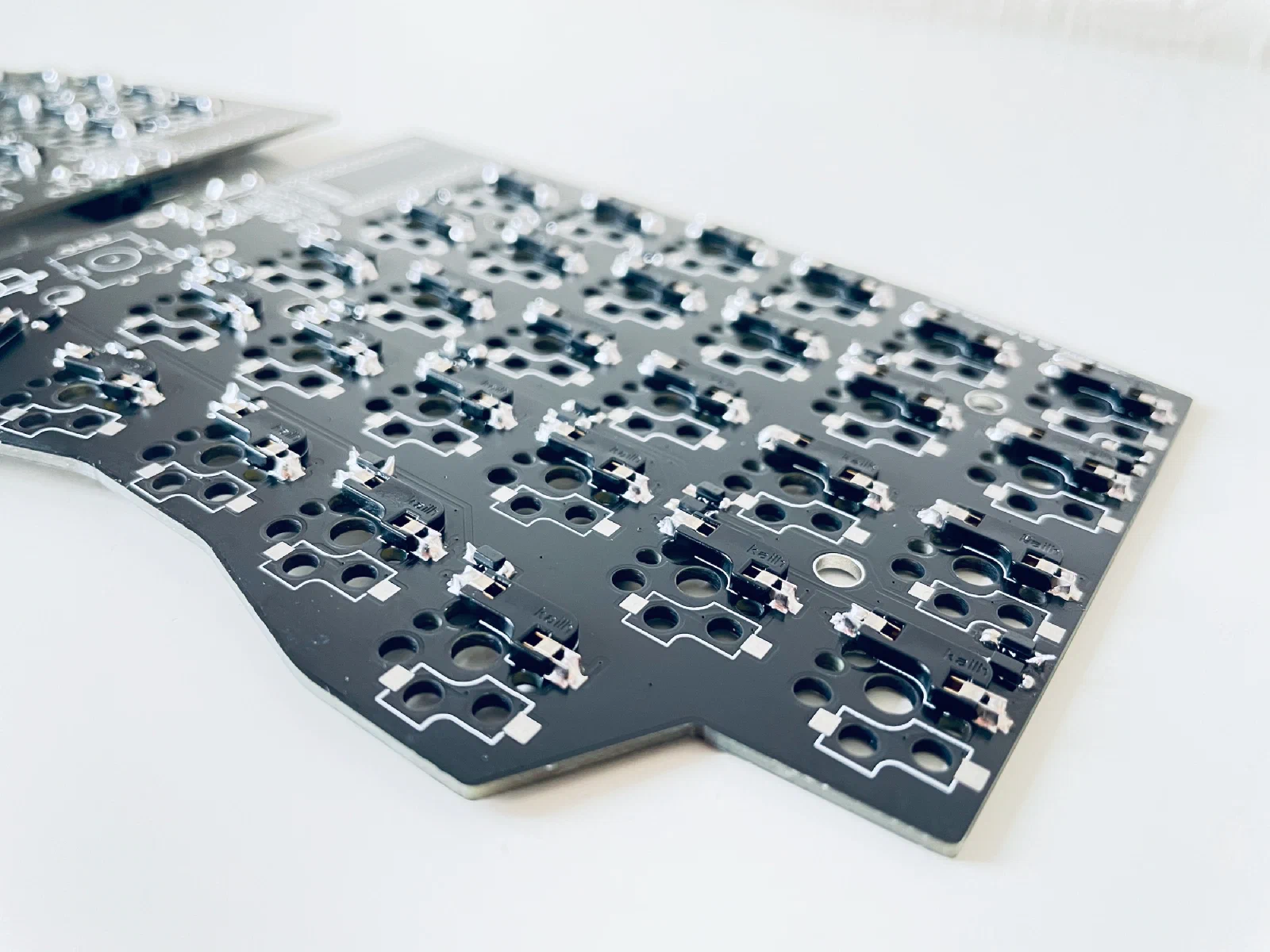
Soldered 58 hotswap sockets and 58 diodes onto the PCBs. Hotswap sockets are for swapping switches on the fly: pull the old ones out, put new ones in. I could’ve soldered the switches directly, but then swapping them would mean desoldering the old ones and soldering in new ones, which is a lot more work.
Next, I soldered on the reset buttons, needed to enter flashing mode, and the TRRS jacks that connect the two halves. I put the switches in, even though it was a bit early for that, just to get a sense of what the finished keyboard would look like. As an experiment, I tried Cherry MX Blue switches for the function keys. I’ll say upfront: I don’t recommend them, since they’re loud enough to bother not just people around you, but you too.
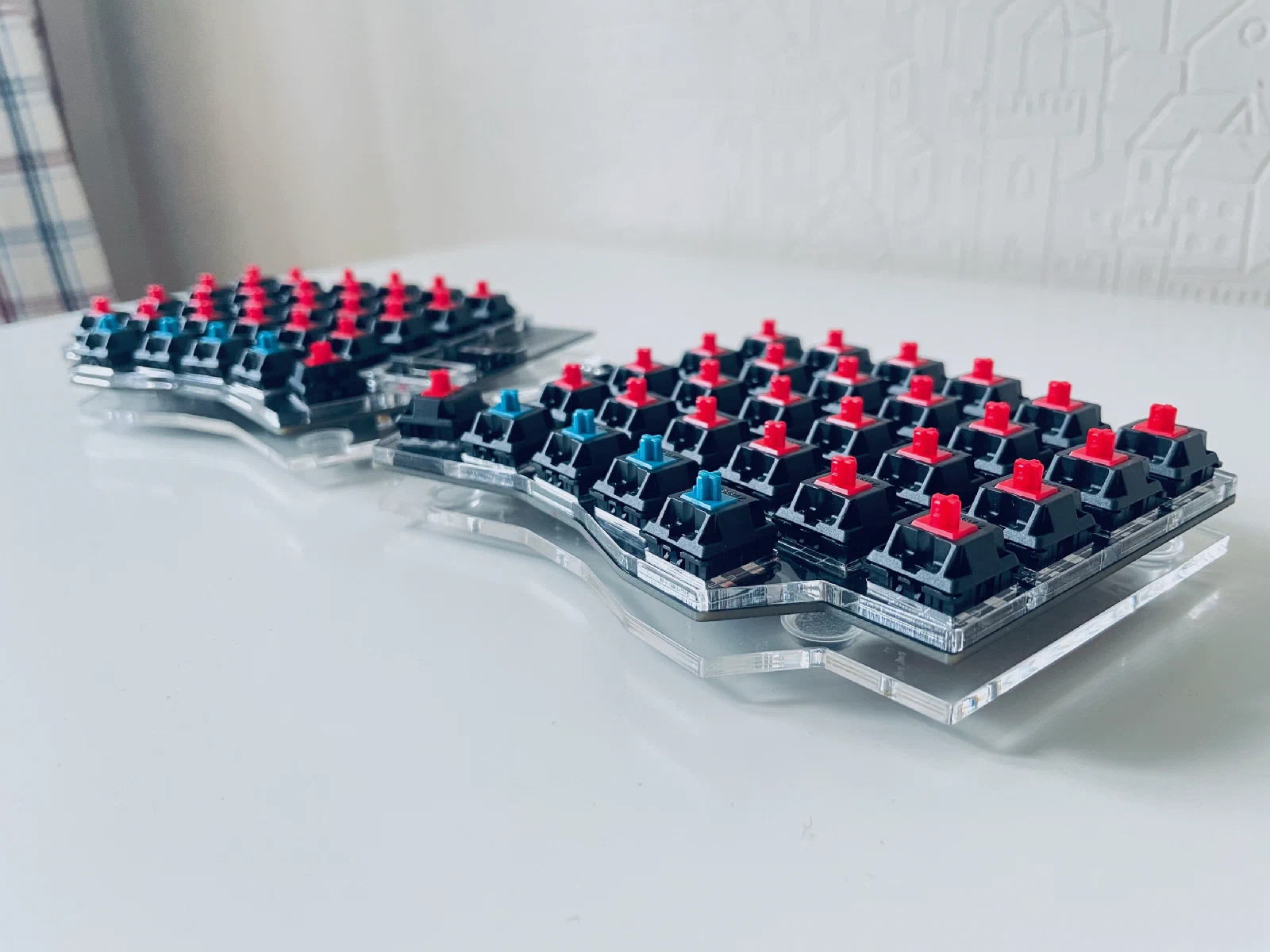
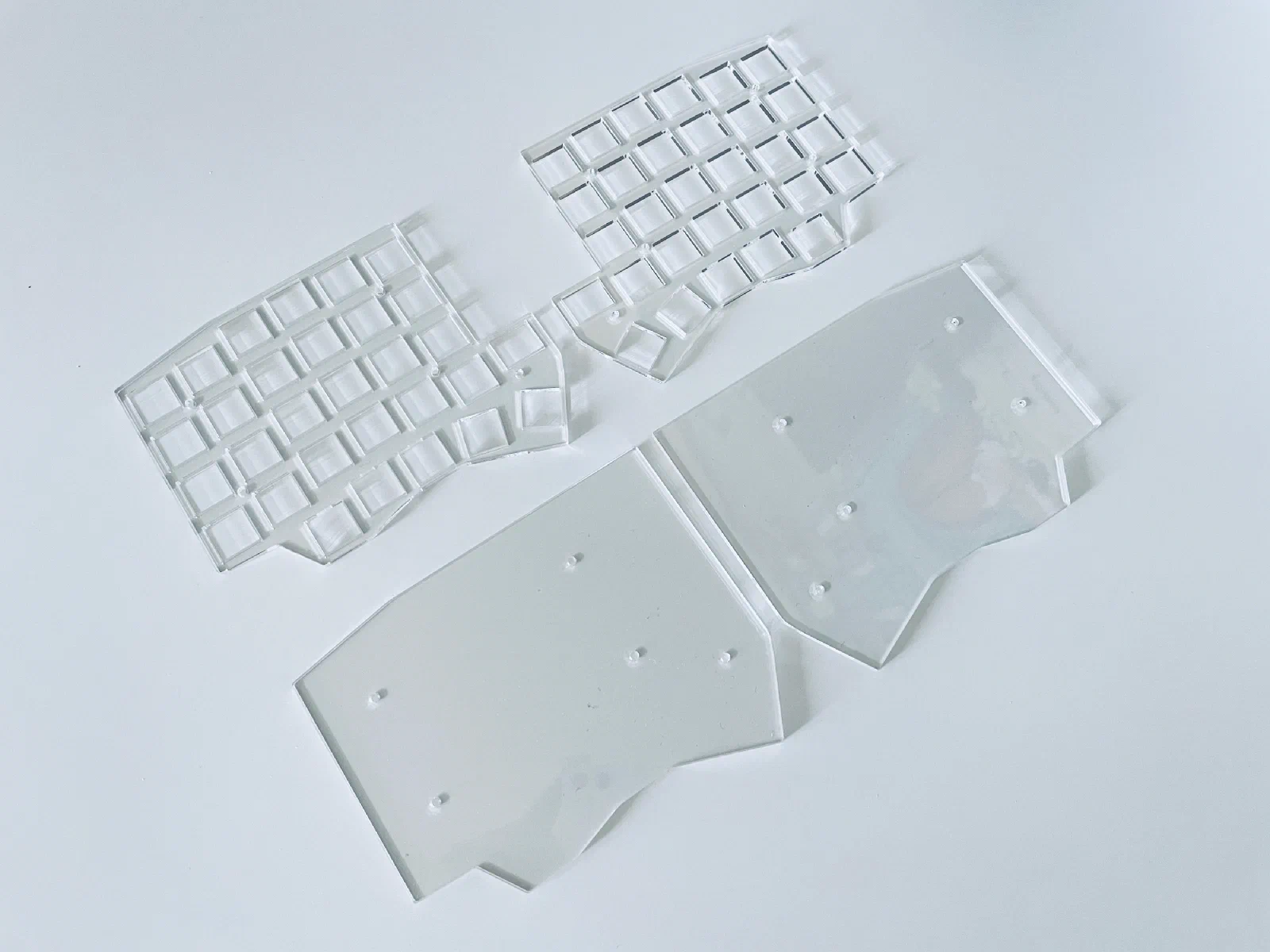
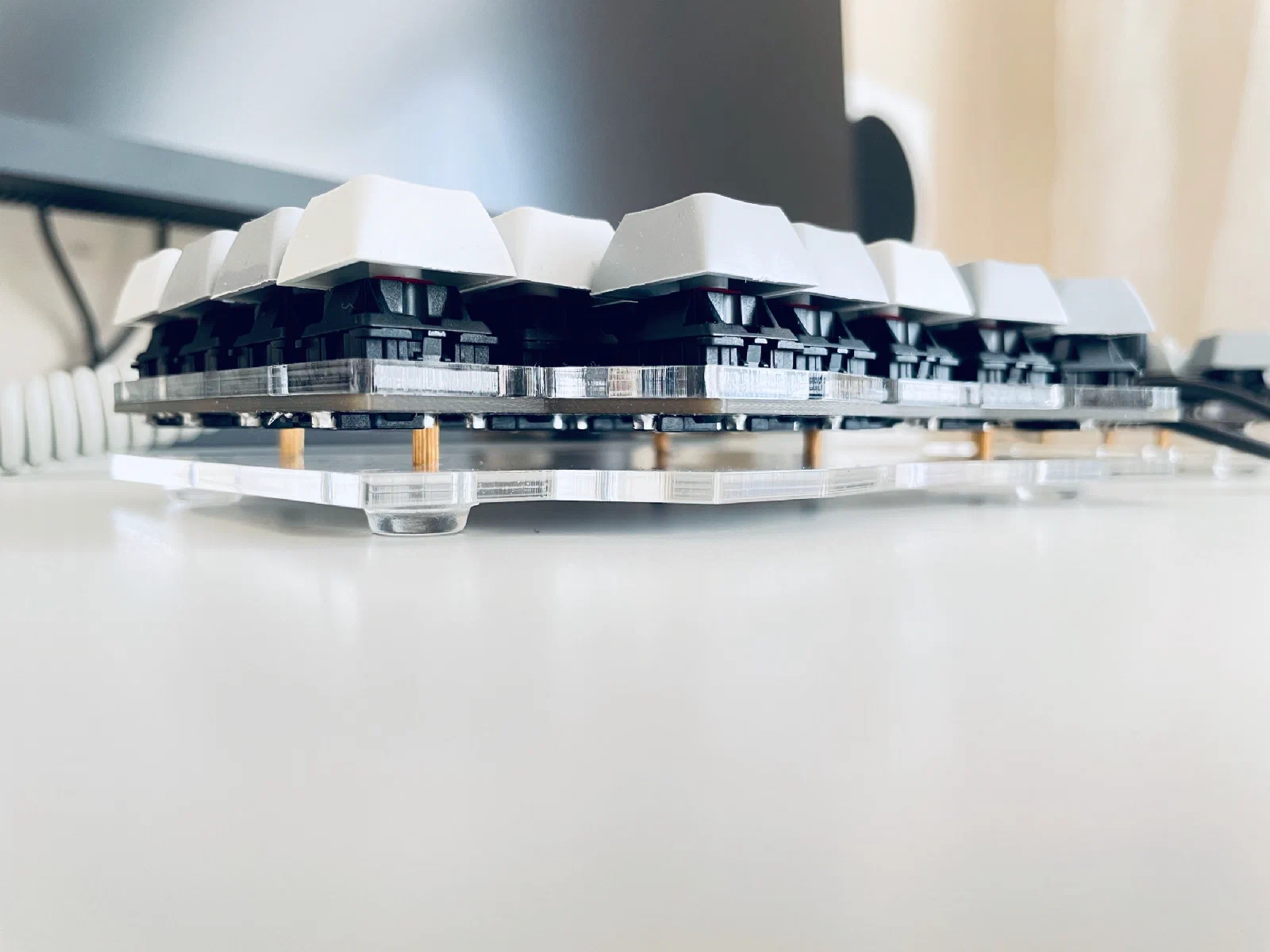
After that, I put together a makeshift case out of acrylic sheet:
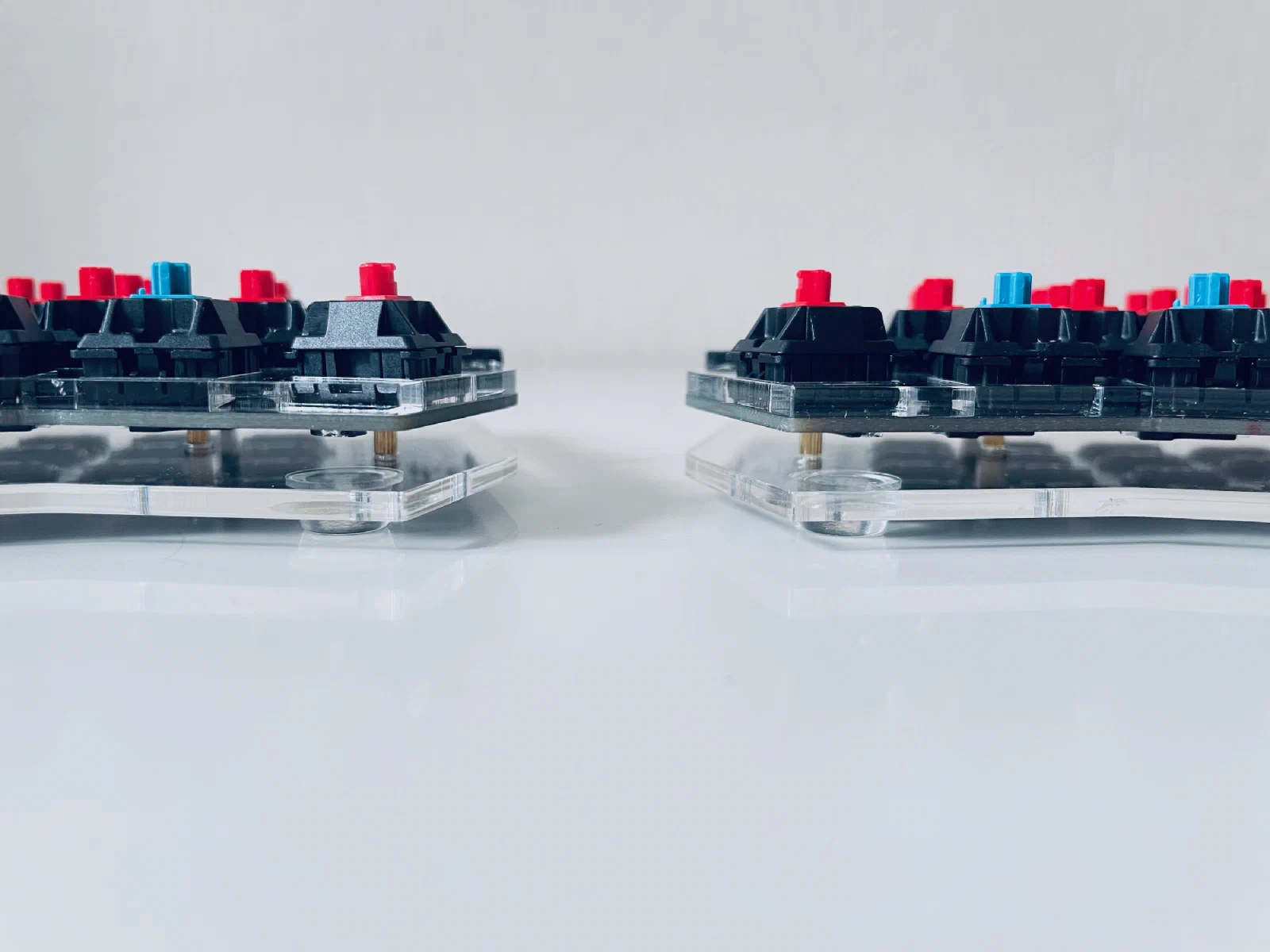
While I was still waiting on the missing parts for the microcontrollers, I wanted to put the keyboard together without them anyway, just to picture what the nearly finished version would look like.
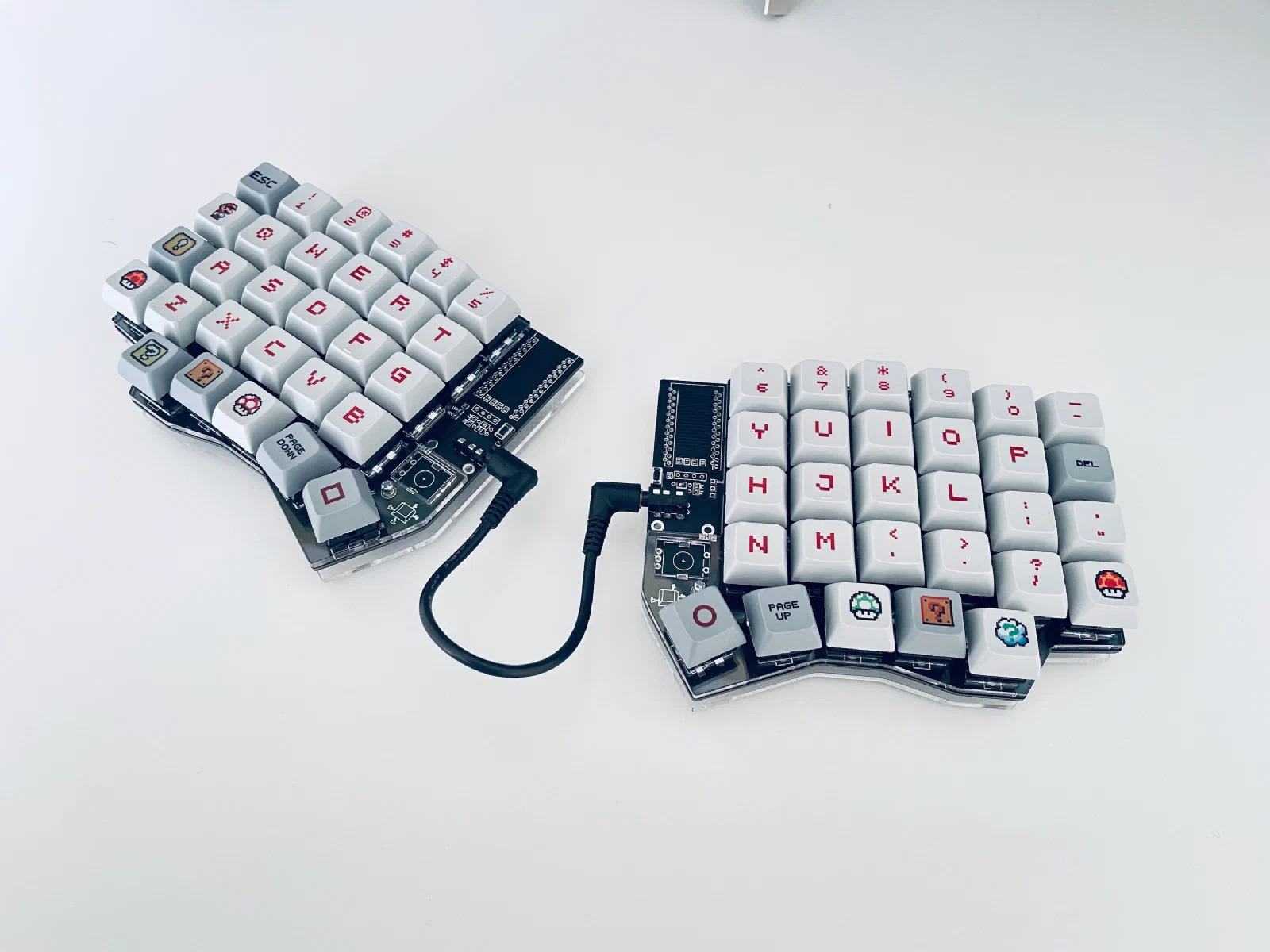
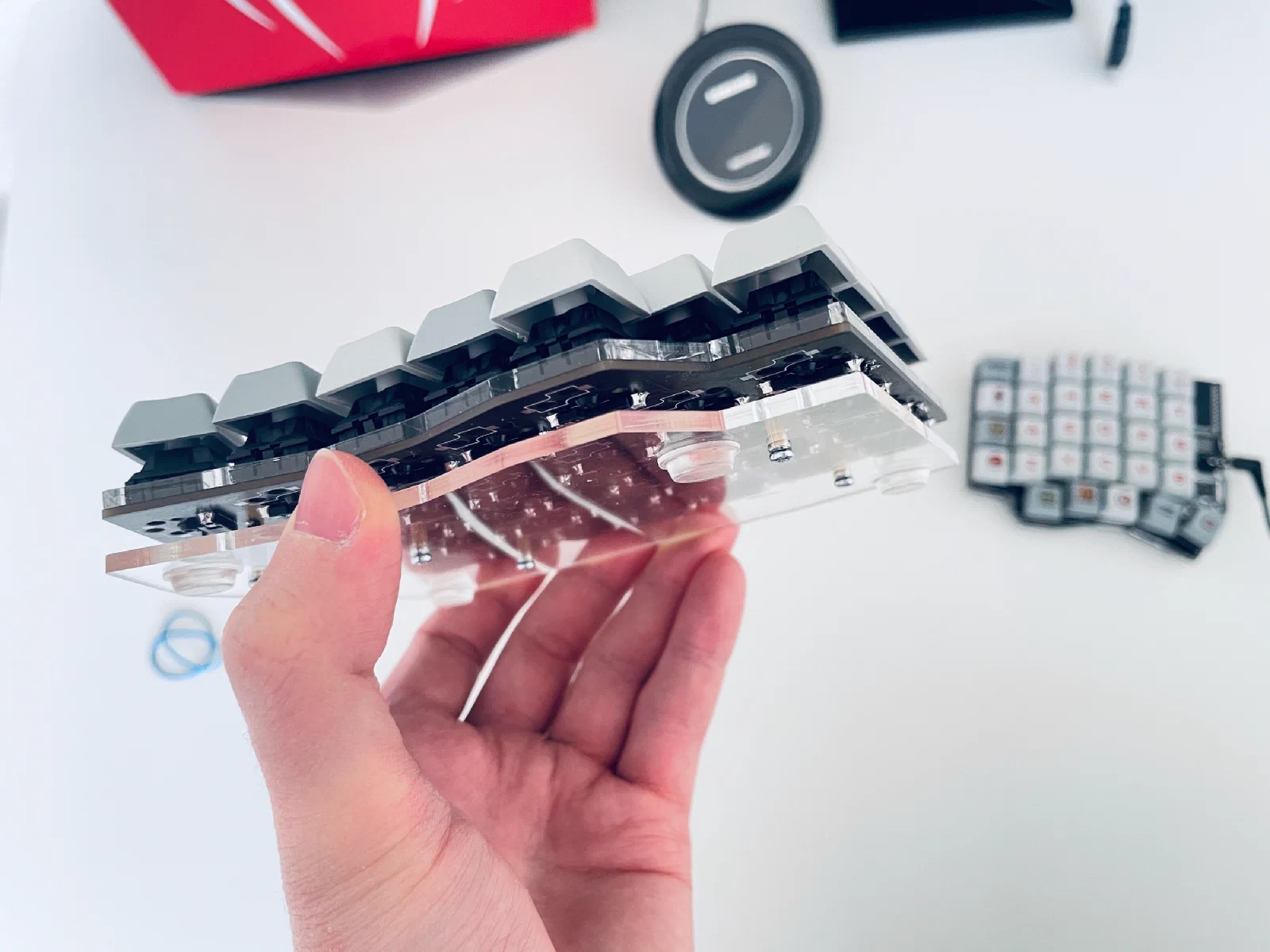
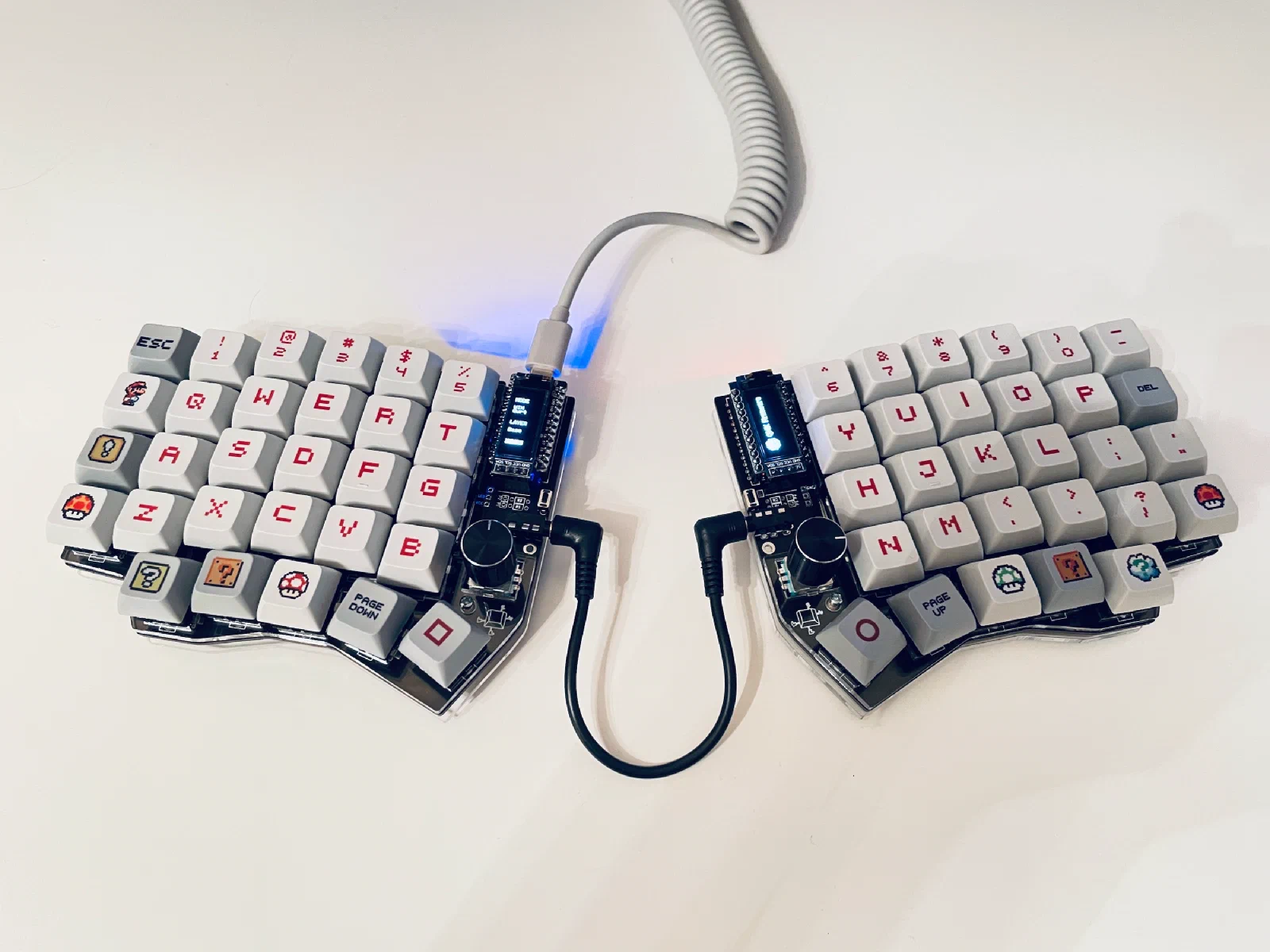
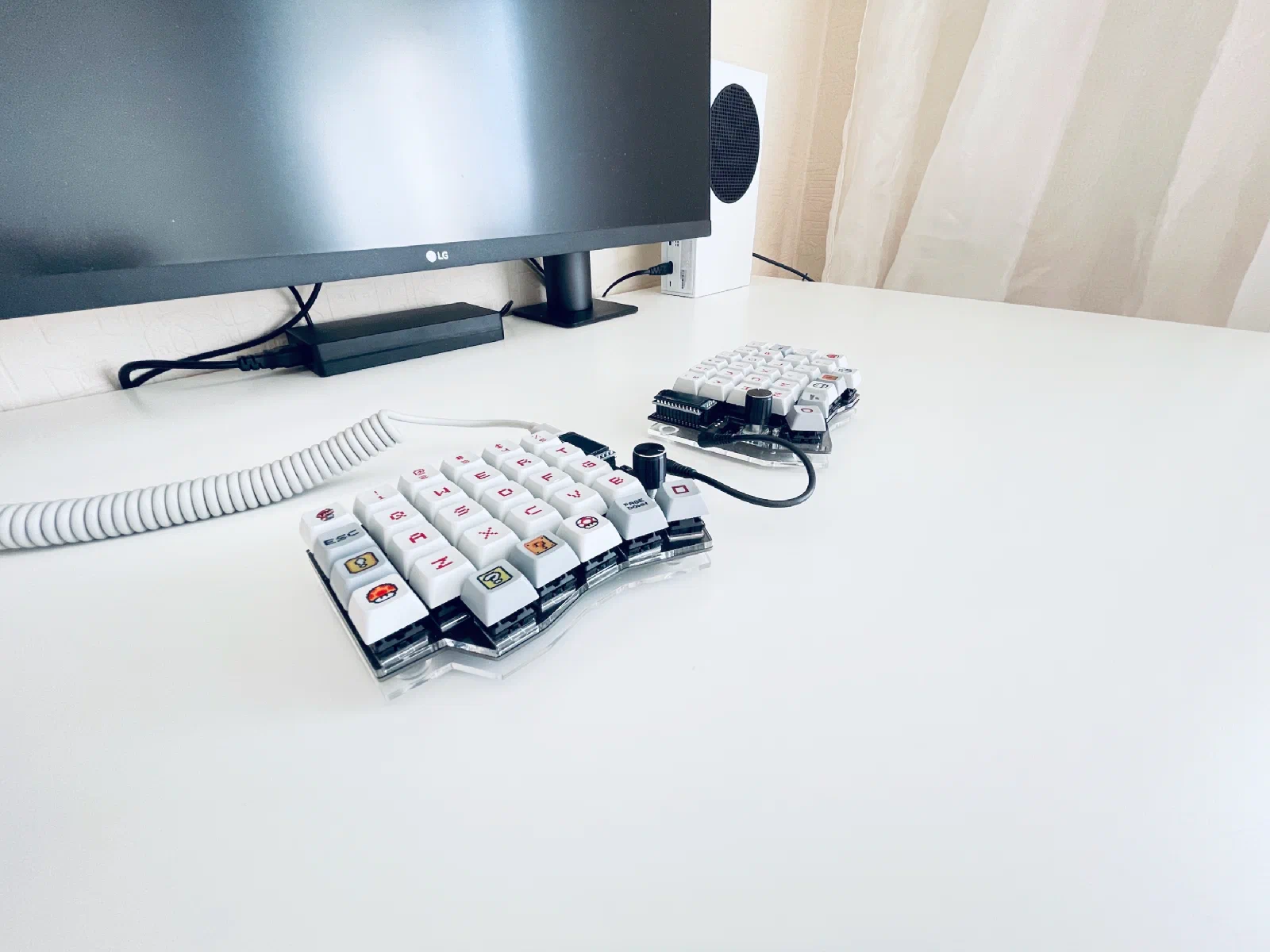
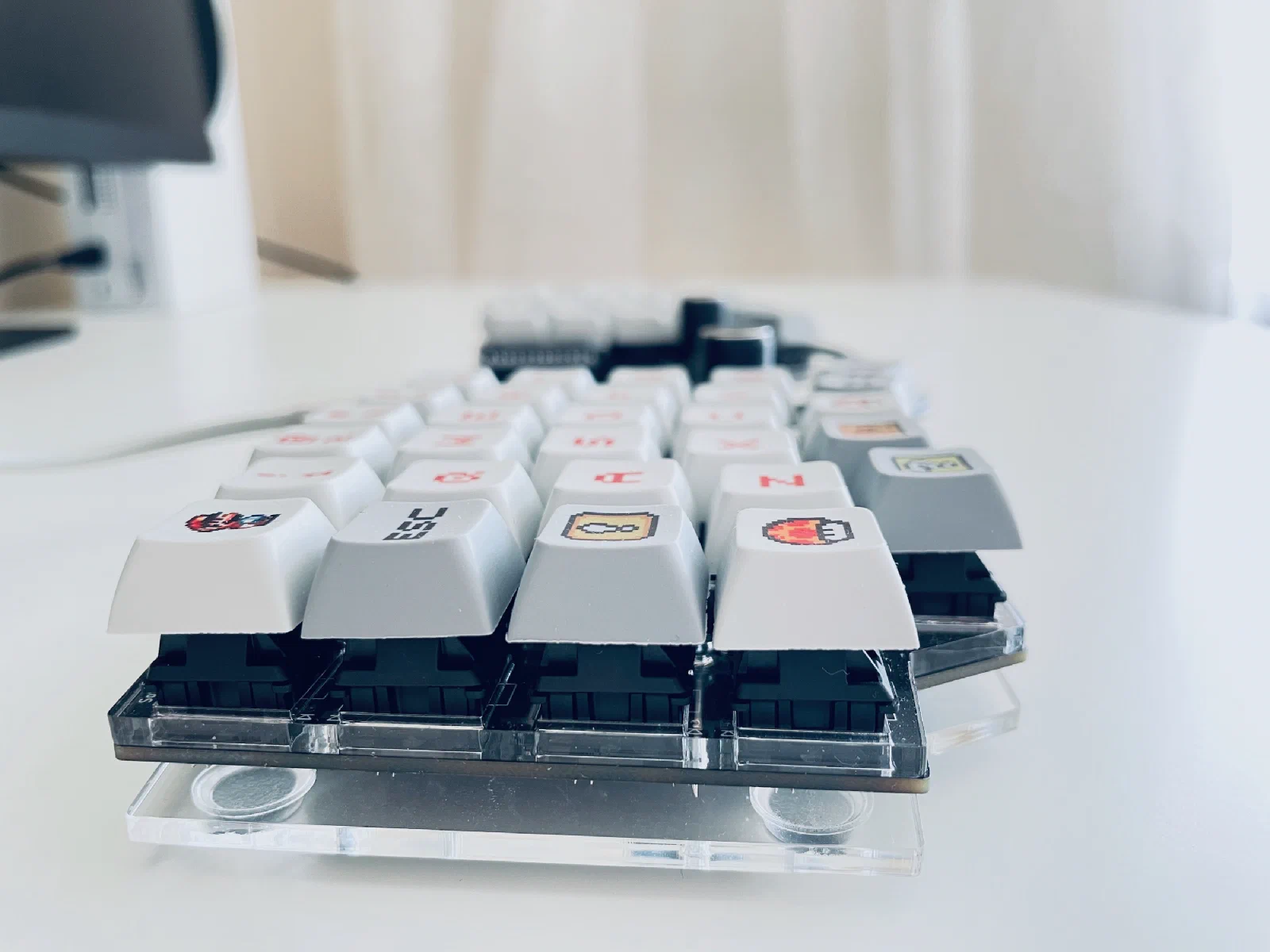
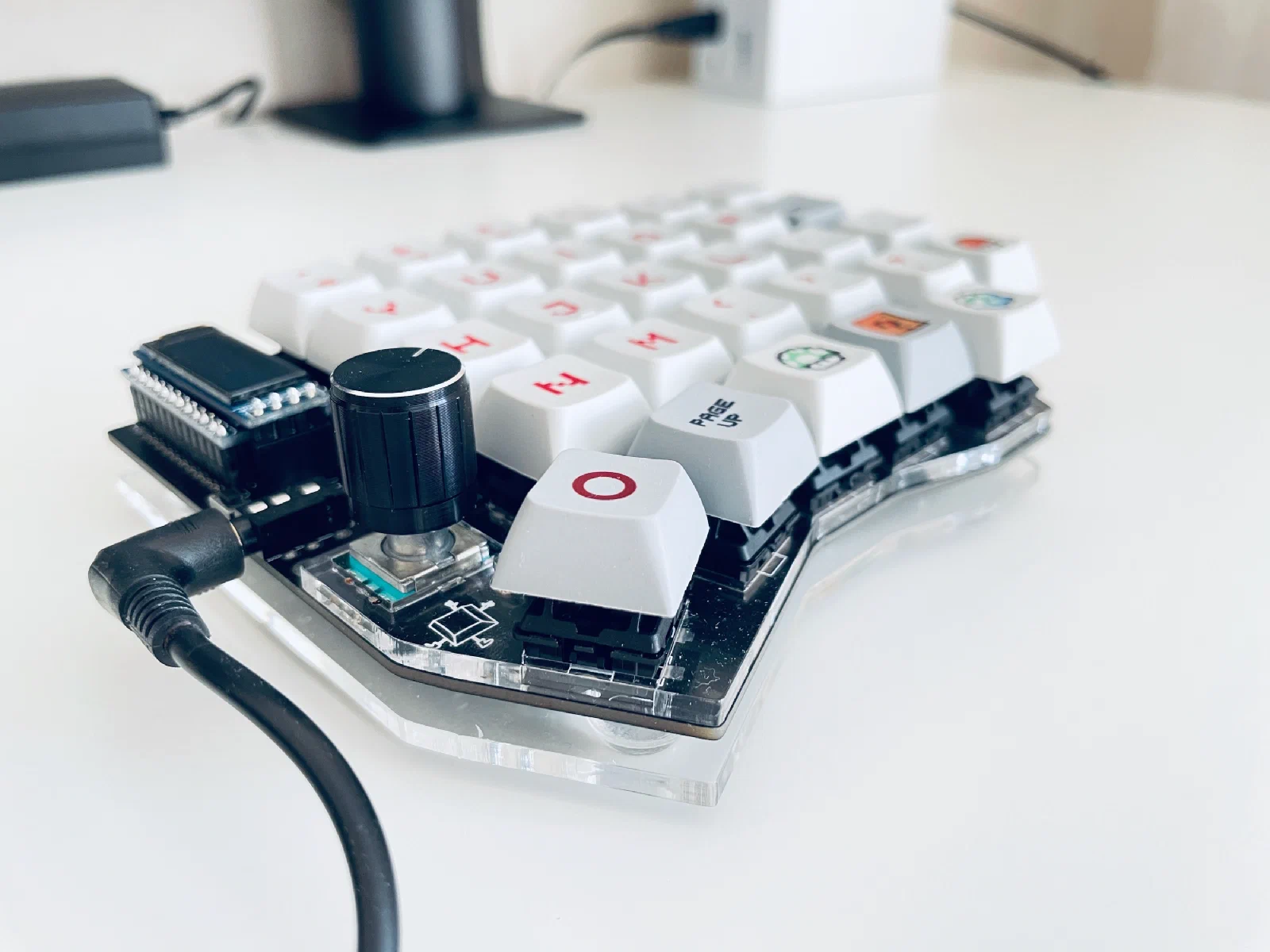
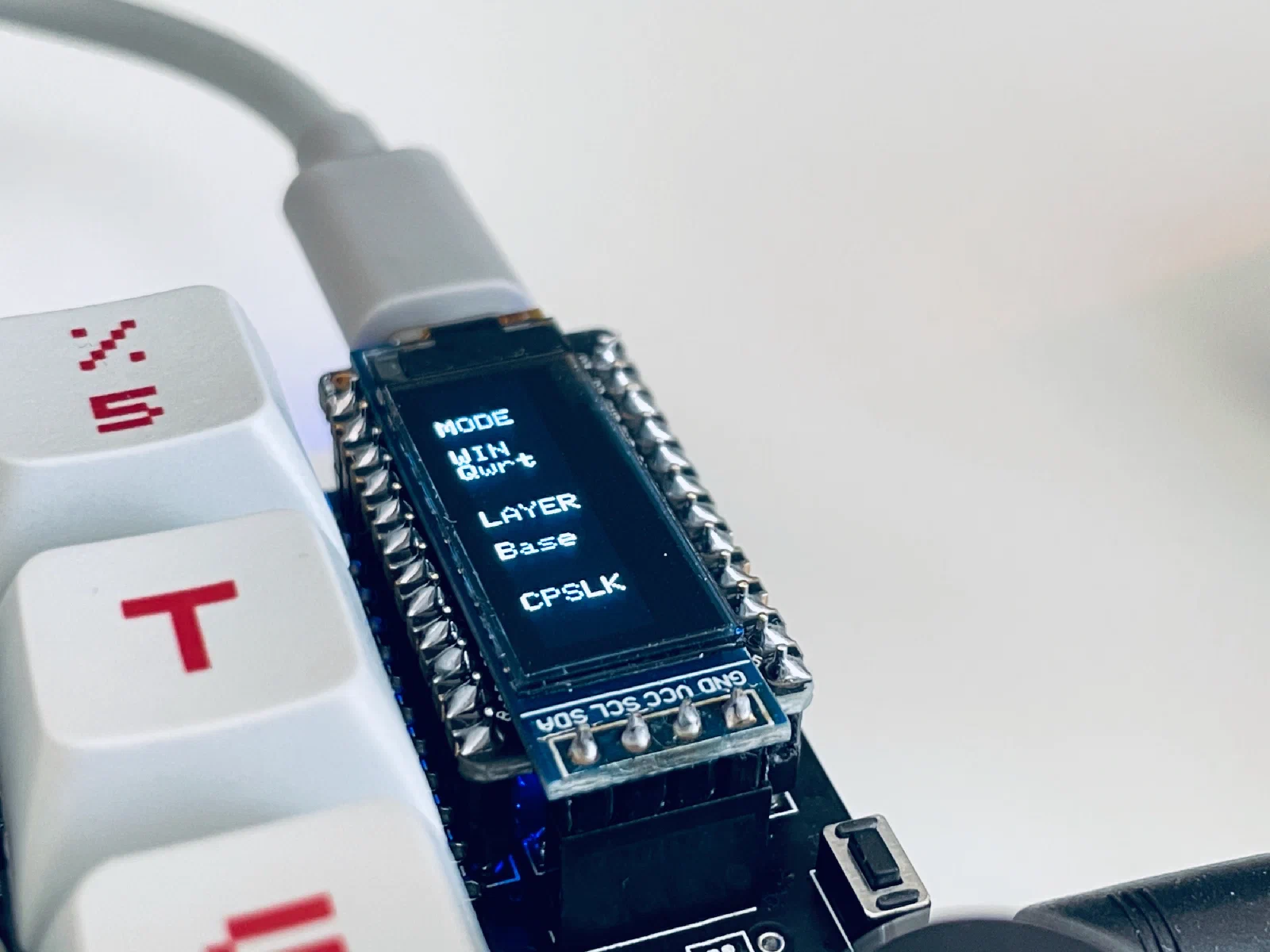
When the missing parts finally arrived, I took the keyboard apart, soldered on the encoders and the microcontroller sockets, assembled the case, installed the microcontrollers and the little screens, and put on the keycaps and encoder knobs.
Firmware
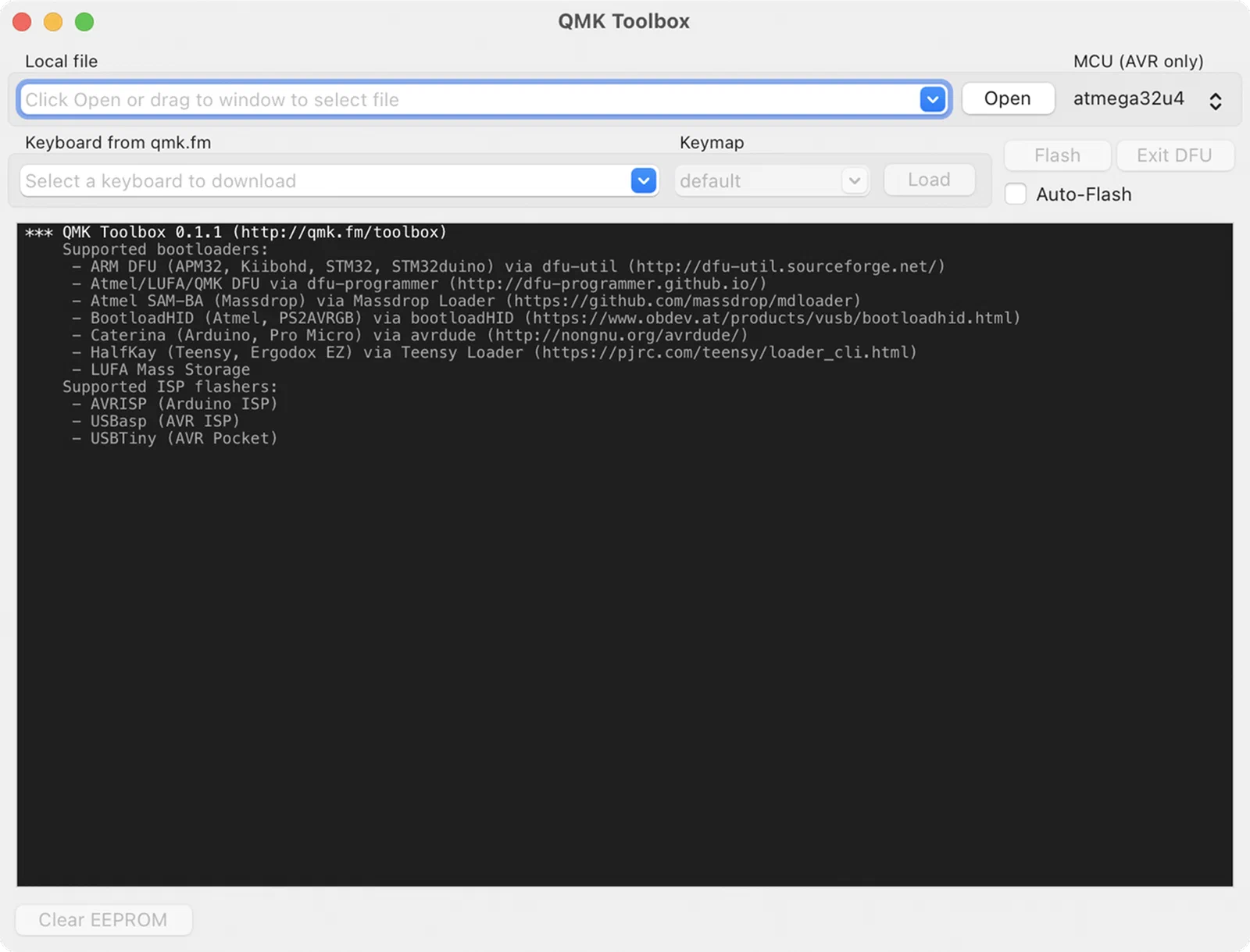
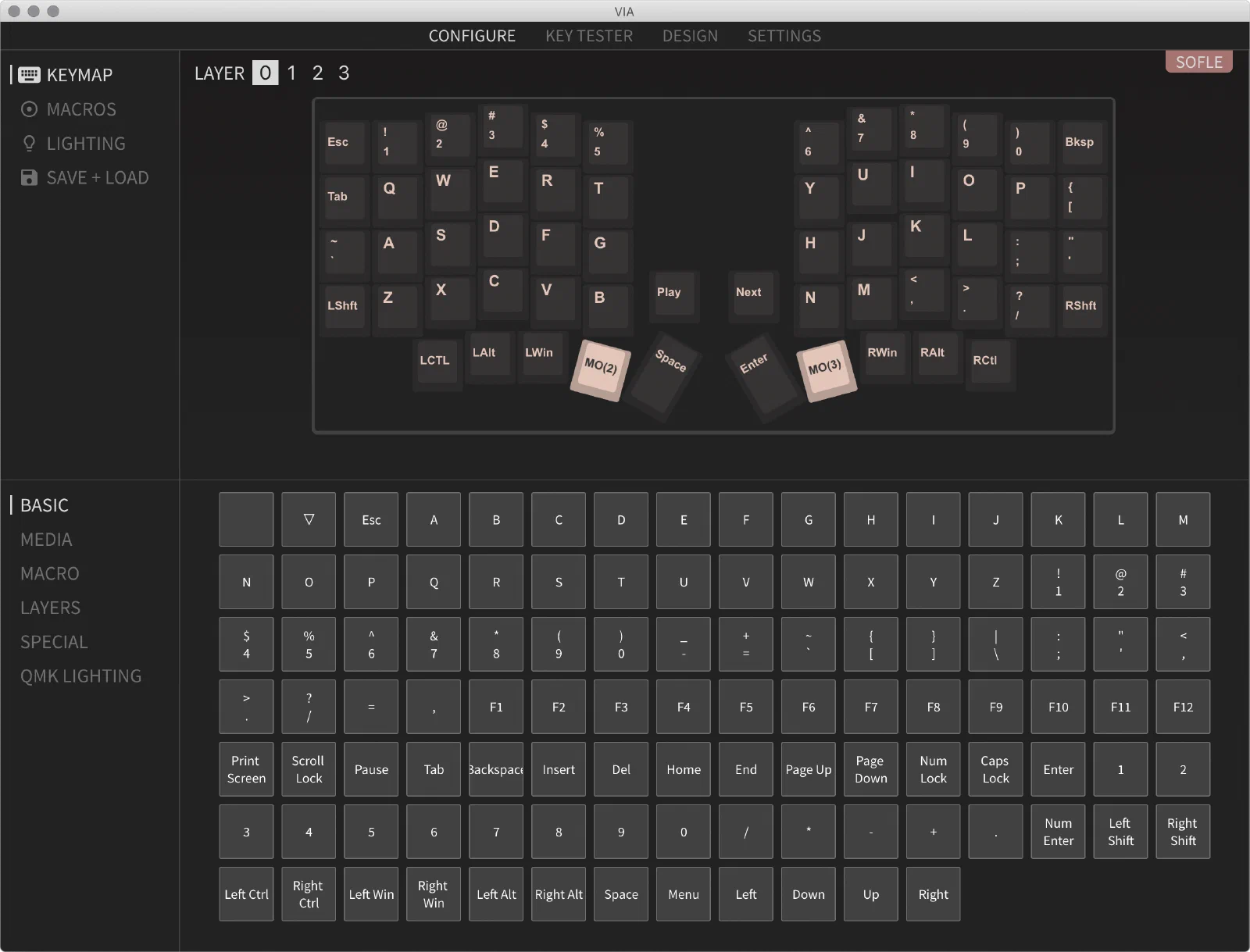
All that was left was flashing the keyboard. Sofle supports QMK firmware, which lets you remap keys, set up macros, and control RGB lighting if you have it. The easiest way to do that is through VIA or Vial.
By default, the left encoder controls volume, and the right one emulates Page Up and Page Down for scrolling.
Photos
Conclusion
If I said my fingers just started flying across this keyboard the moment I sat down, the way a skilled pianist’s do across a keyboard, that wouldn’t be true. We type on standard keyboards for years, get used to them, and it takes time to adjust to something different. There was some resistance at first, but after a week or two I was back to my usual typing speed and rhythm.
But there were two things that eventually made me give up on this split keyboard. The first was that I use a lot of hotkeys in graphics editors at work, and my right hand (I hold the mouse in my left) basically glides across the whole keyboard surface. Once the keyboard is split in two, that’s no longer as convenient. Sure, I could’ve remapped all the hotkeys onto one half, and that would’ve actually been better since it’d cut out the extra hand movement, but I didn’t want to retrain myself that much. The second thing was that I actually had two workstations (home and the office), and sometimes I’d also just use a laptop on my lap. The problem was that once I got used to the split keyboard, I had to get used to a regular one all over again. Building a second identical keyboard for the office would’ve worked, but that wasn’t an option for using a laptop.
Either way, I had a lot of fun building it and picked up some new experience along the way.