My first wireless keyboard. The layout skips the number row and is built around MT3 Operator keycaps. The case has a 5° tilt.
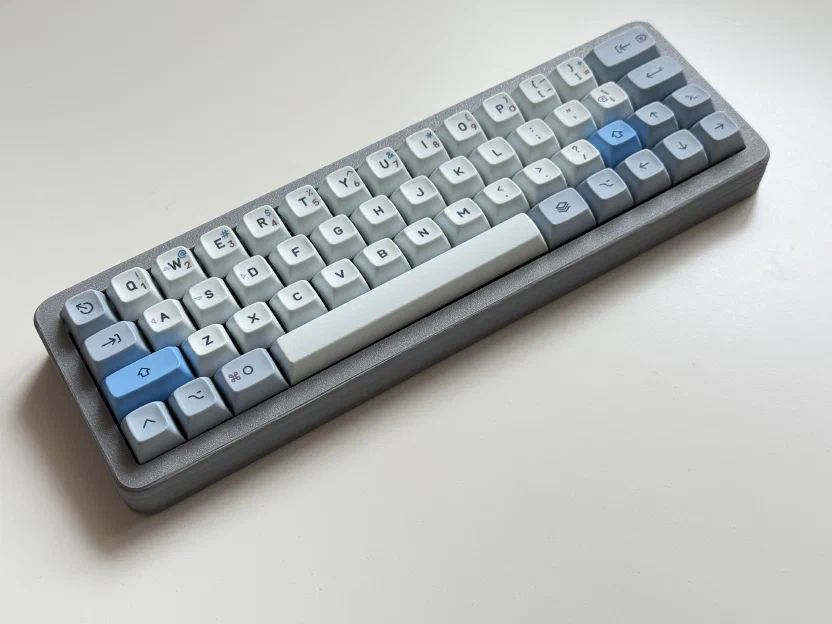
Case
You can grab the print files from Printables, including the .STEP file.
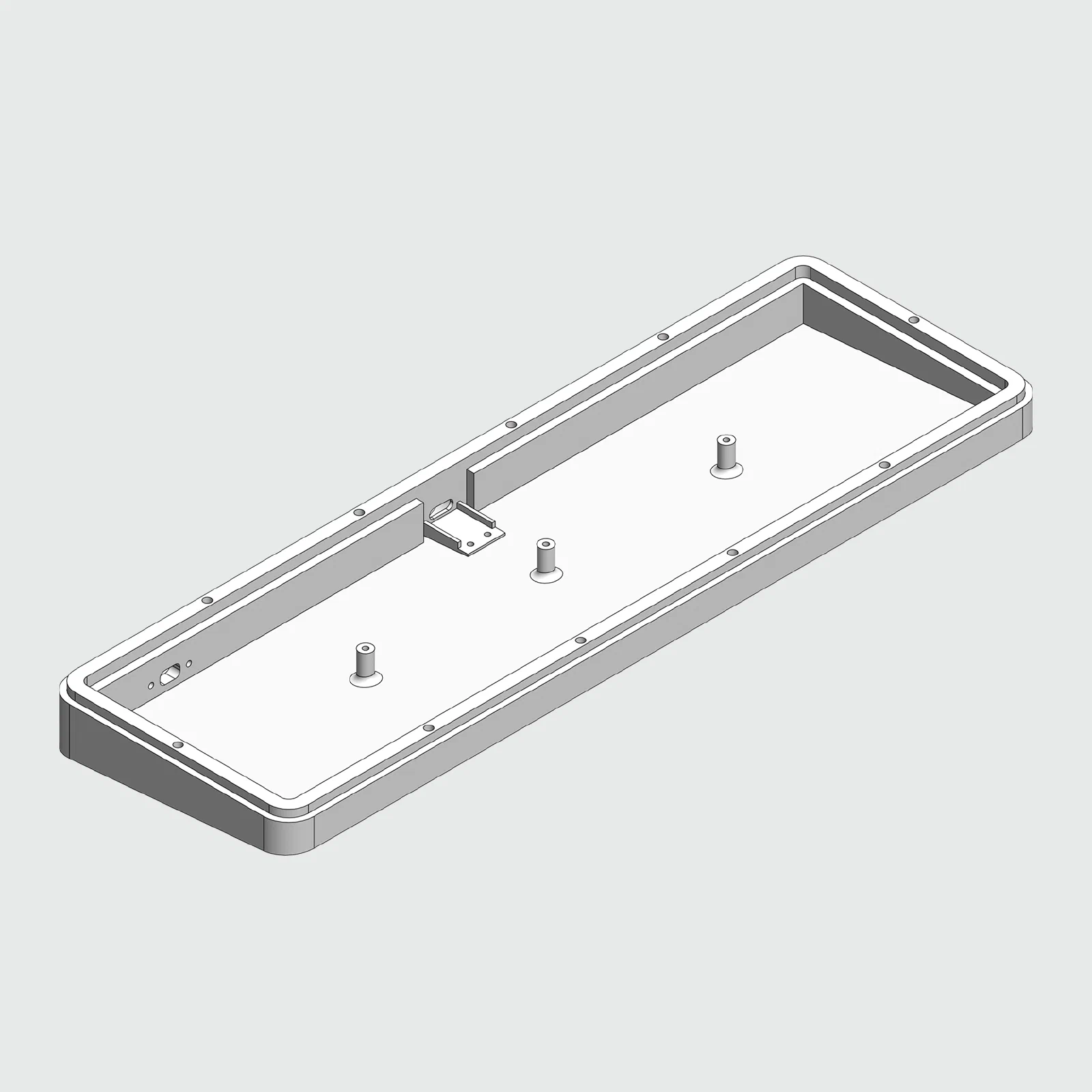
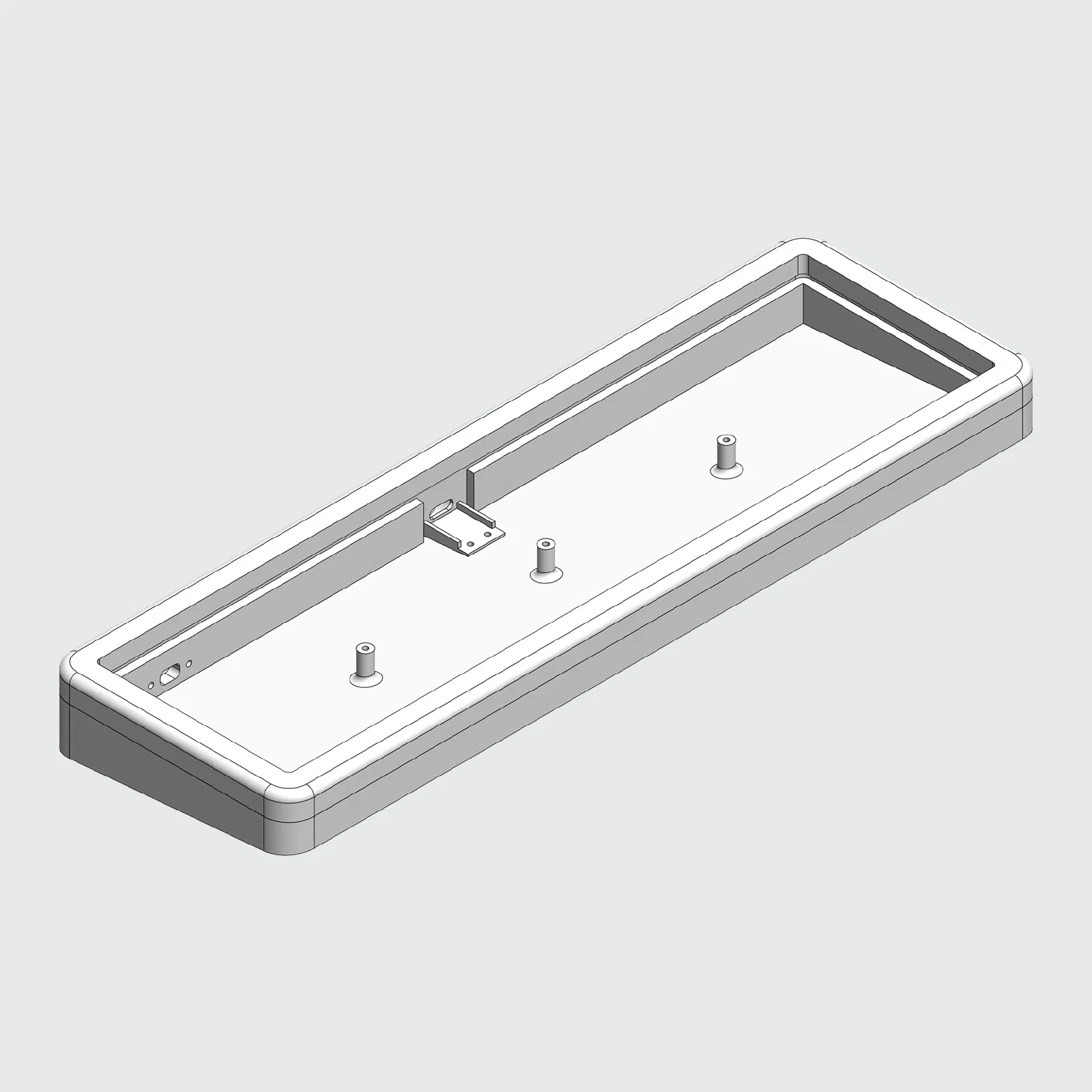
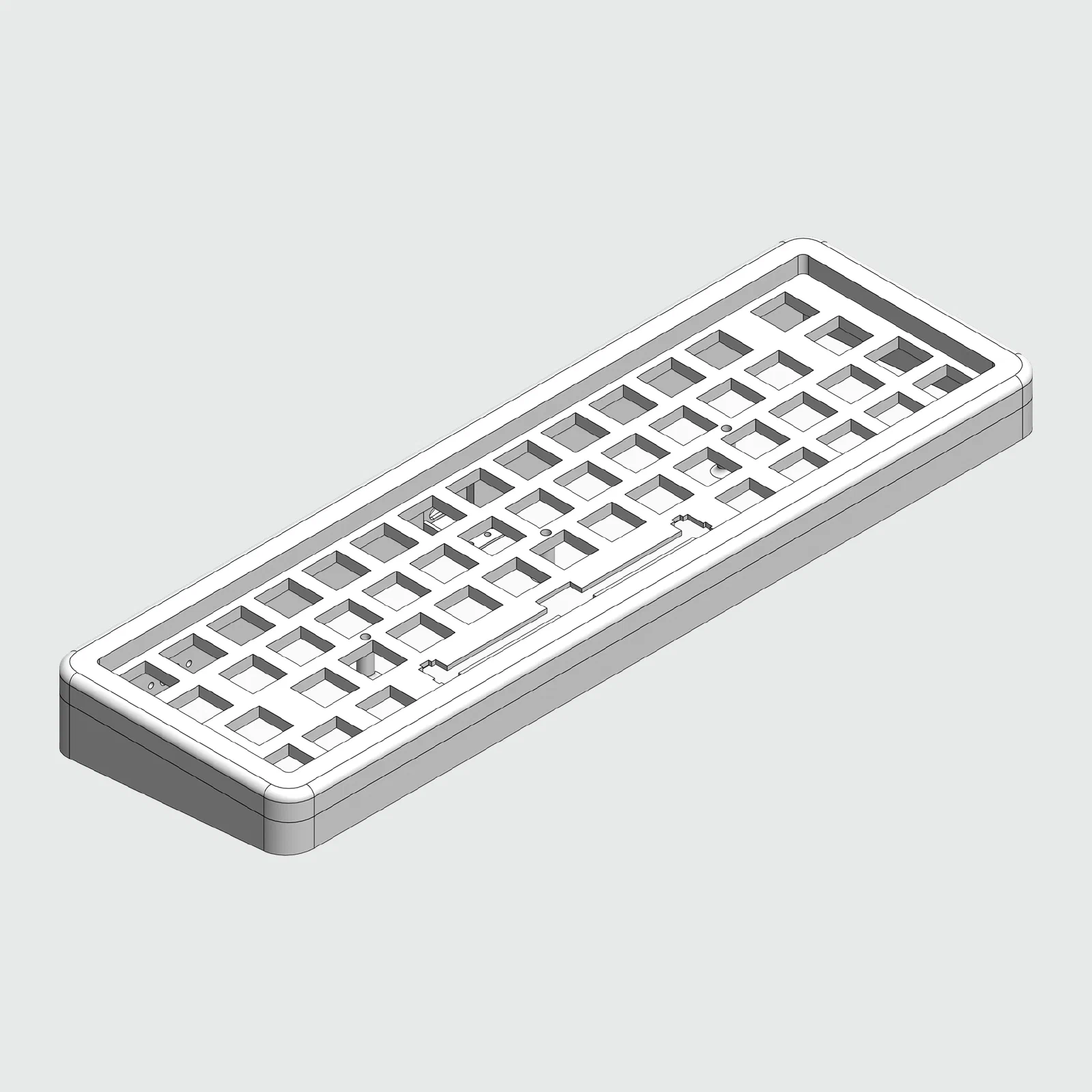
Bill of materials
| Part | Count |
|---|---|
| nice!nano (clone) | 1 |
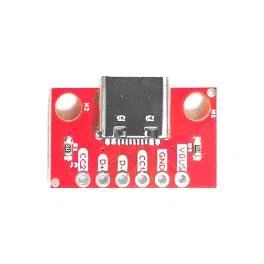
| USB-C breakout board (pic) | 1 |
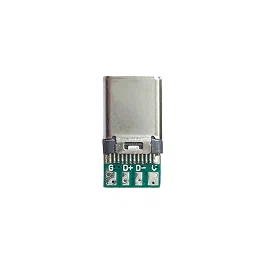
| USB-C male connector (pic) | 1 |
| 503035 500mAh 3.7V battery | 1 |
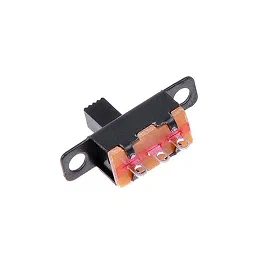
| Mini Toggle Switch SS12F15 (pic) | 1 |
| 3D printed case | 1 |
| M2 screws (10mm) | 10 |
| M2 screws (8mm) | 3 |
| M2 screws (4mm) | 2 |
| M2 screws (2mm) | 2 |
| MX switches (Gateron Pro Milky Red) | 51 |
| 1N4148 diodes | 51 |
| Keycaps (MT3 Operator) | 51 |
| 6.25u plate mount stabilizer | 1 |
| Adhesive Bumper Pads (15mm) | 4 |
| Wire (28AWG) |
Build Log
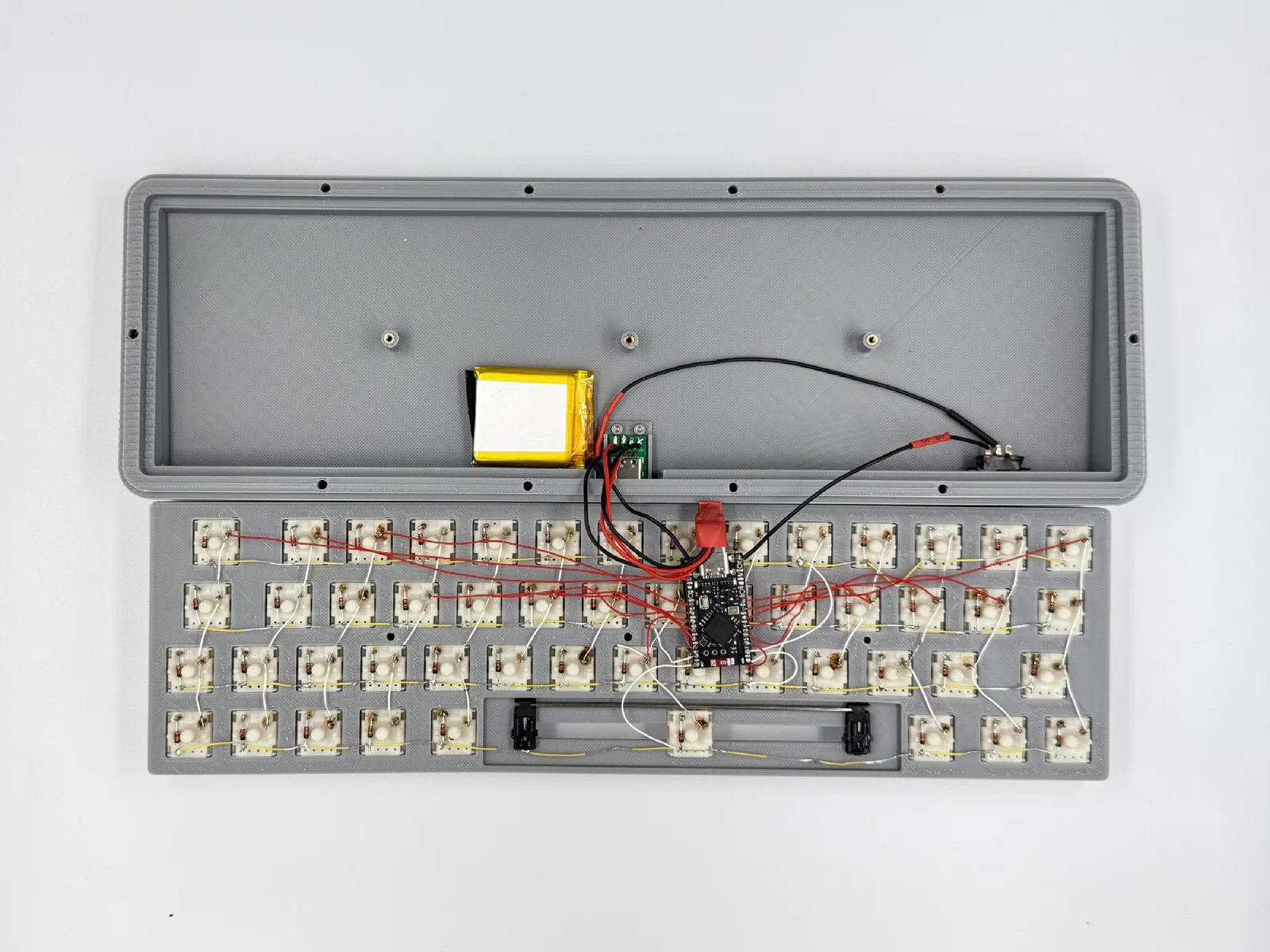
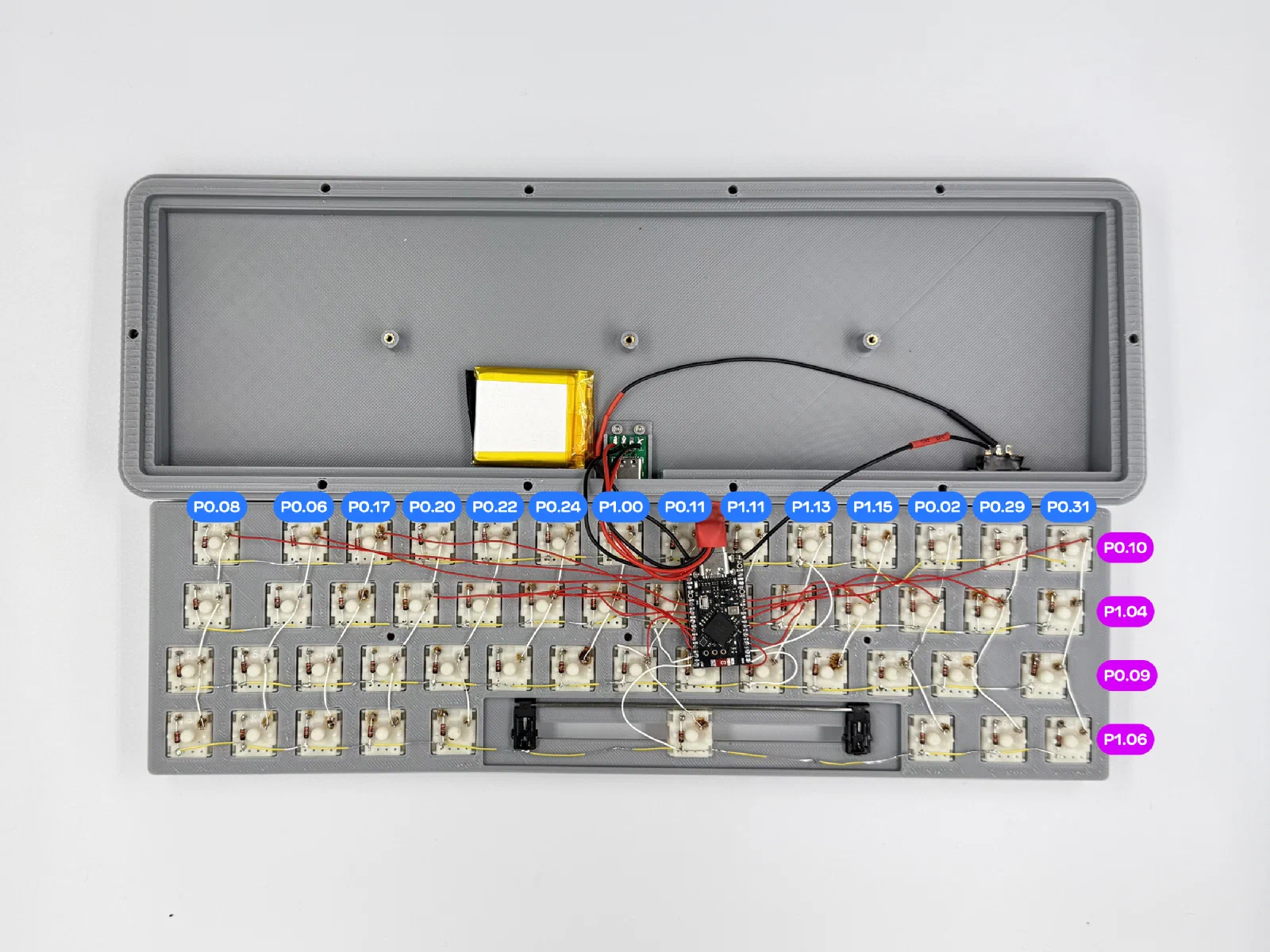
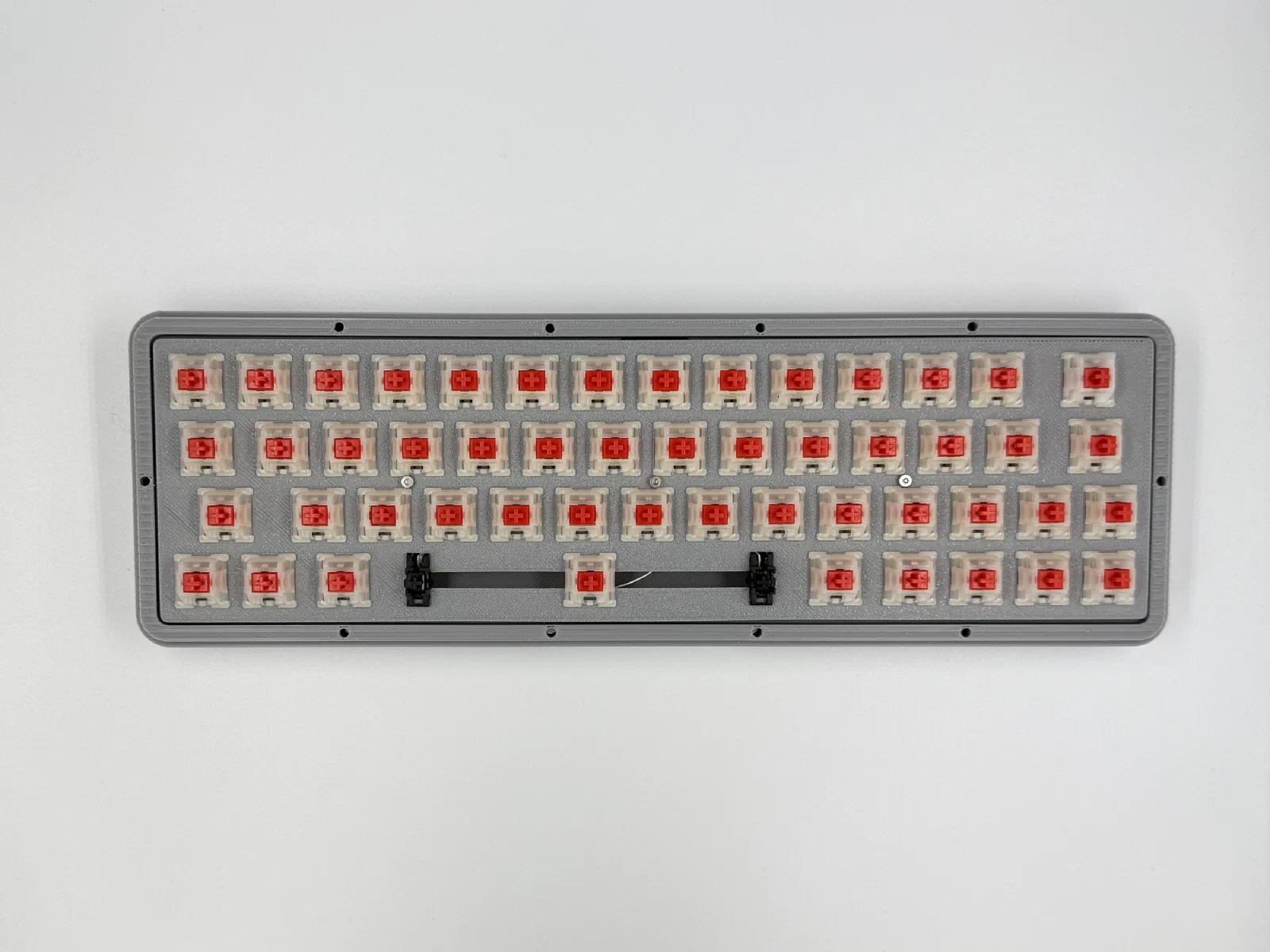
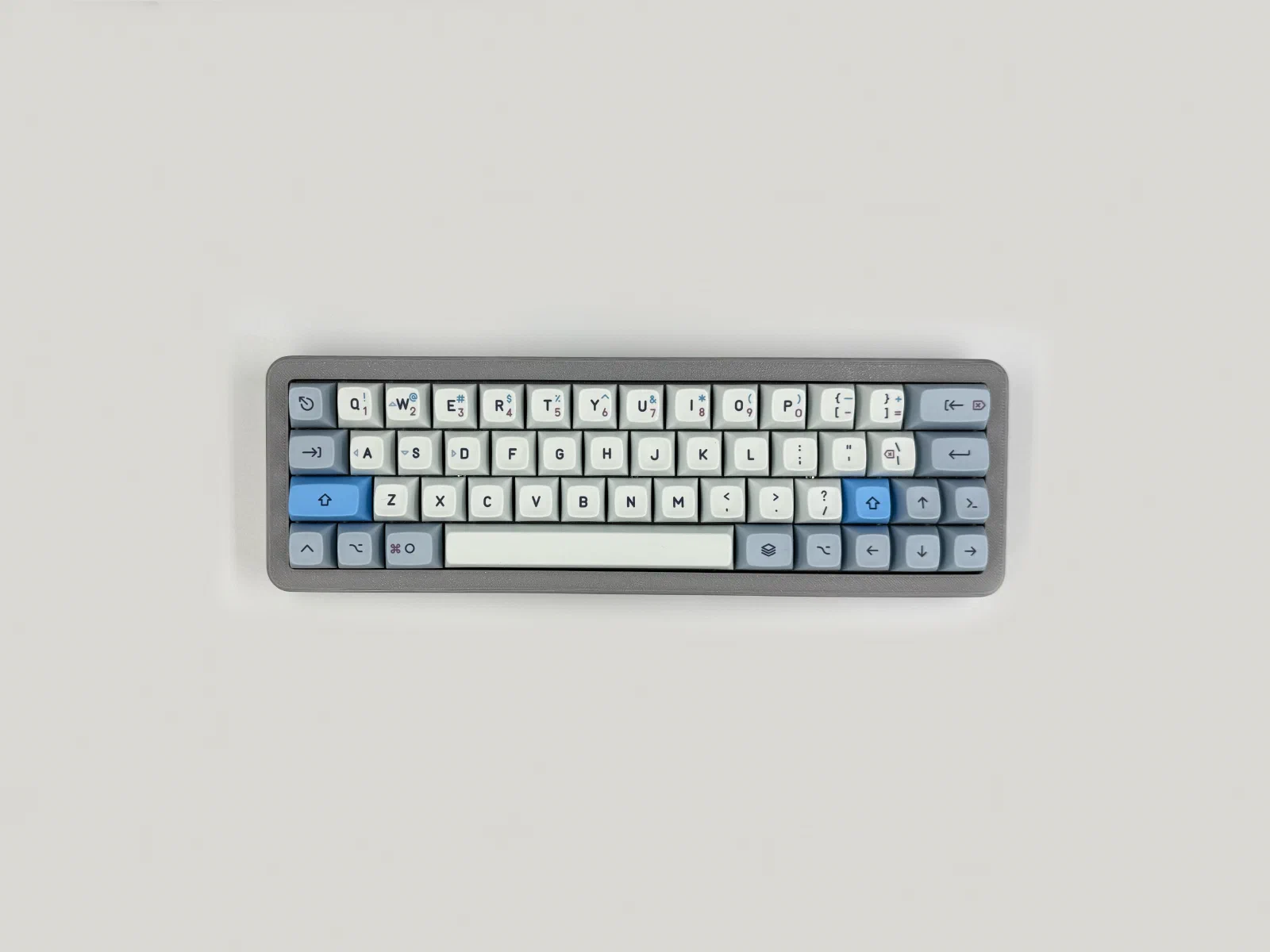
Firmware
ZMK
I’m using ZMK for the firmware. Repo’s on GitHub. Pre-compiled firmware.
Bootloader
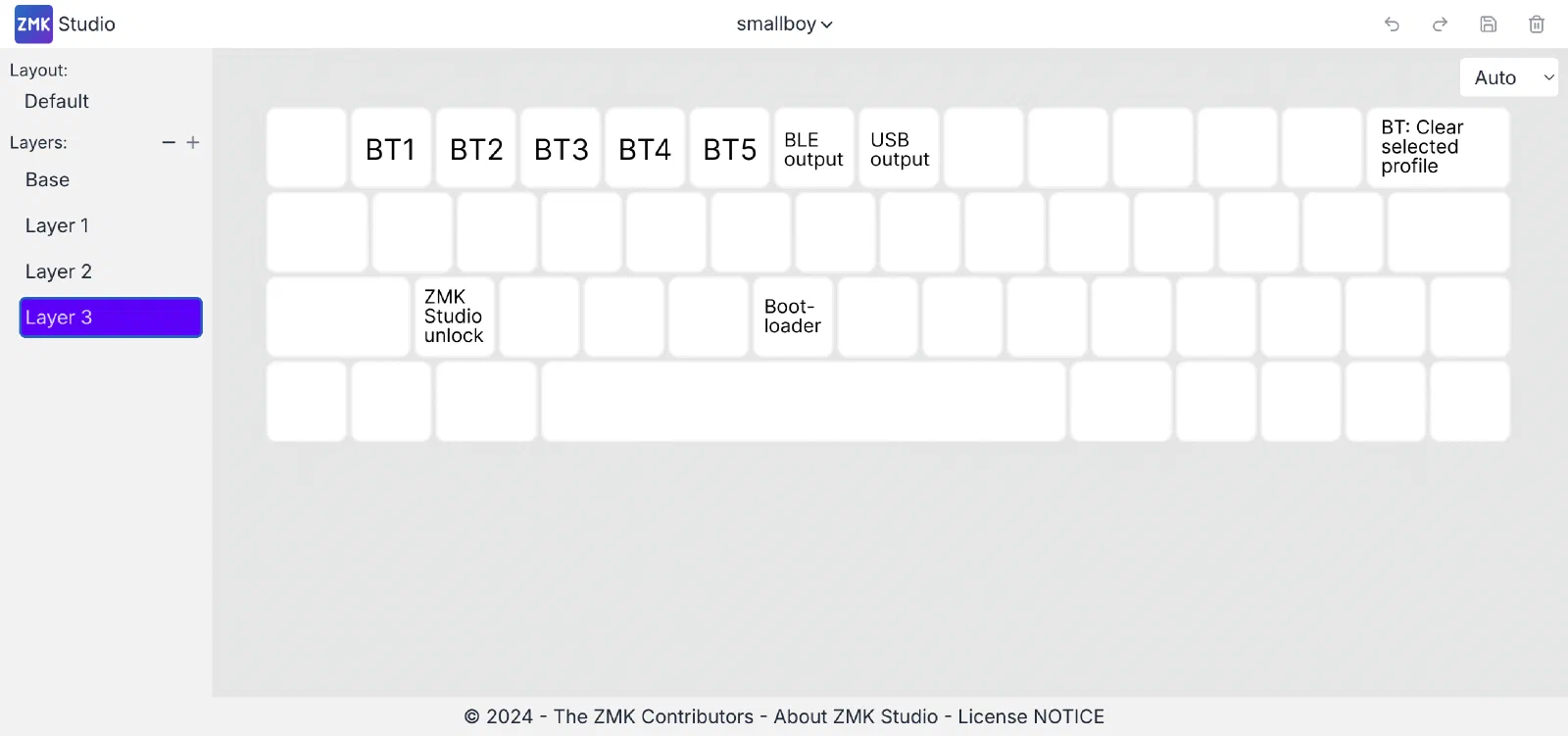
Enter the bootloader: hold Tab and press B. The nice!nano appears as a USB drive named NICENANO. Copy the .uf2 onto it and the keyboard reboots on its own.
ZMK Studio
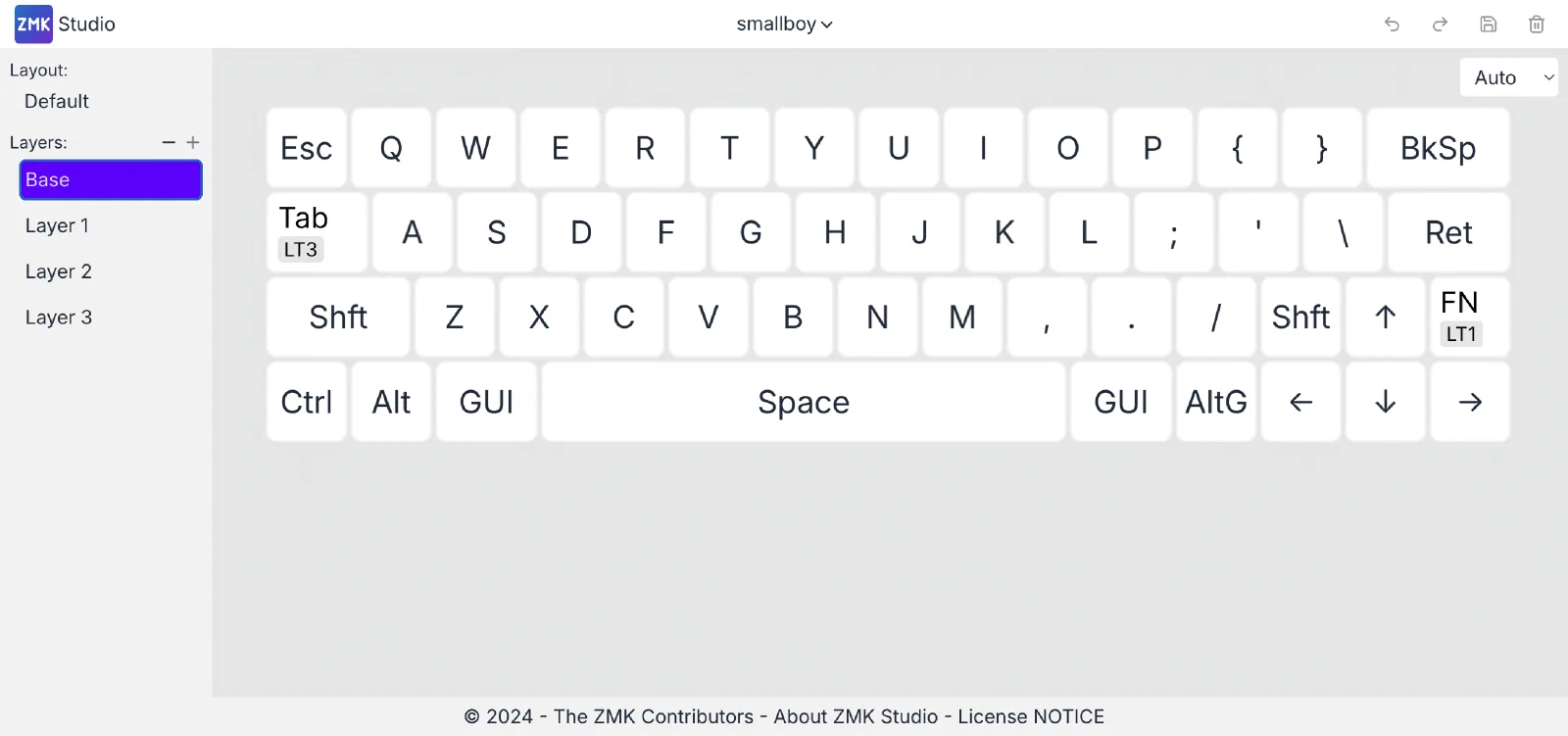
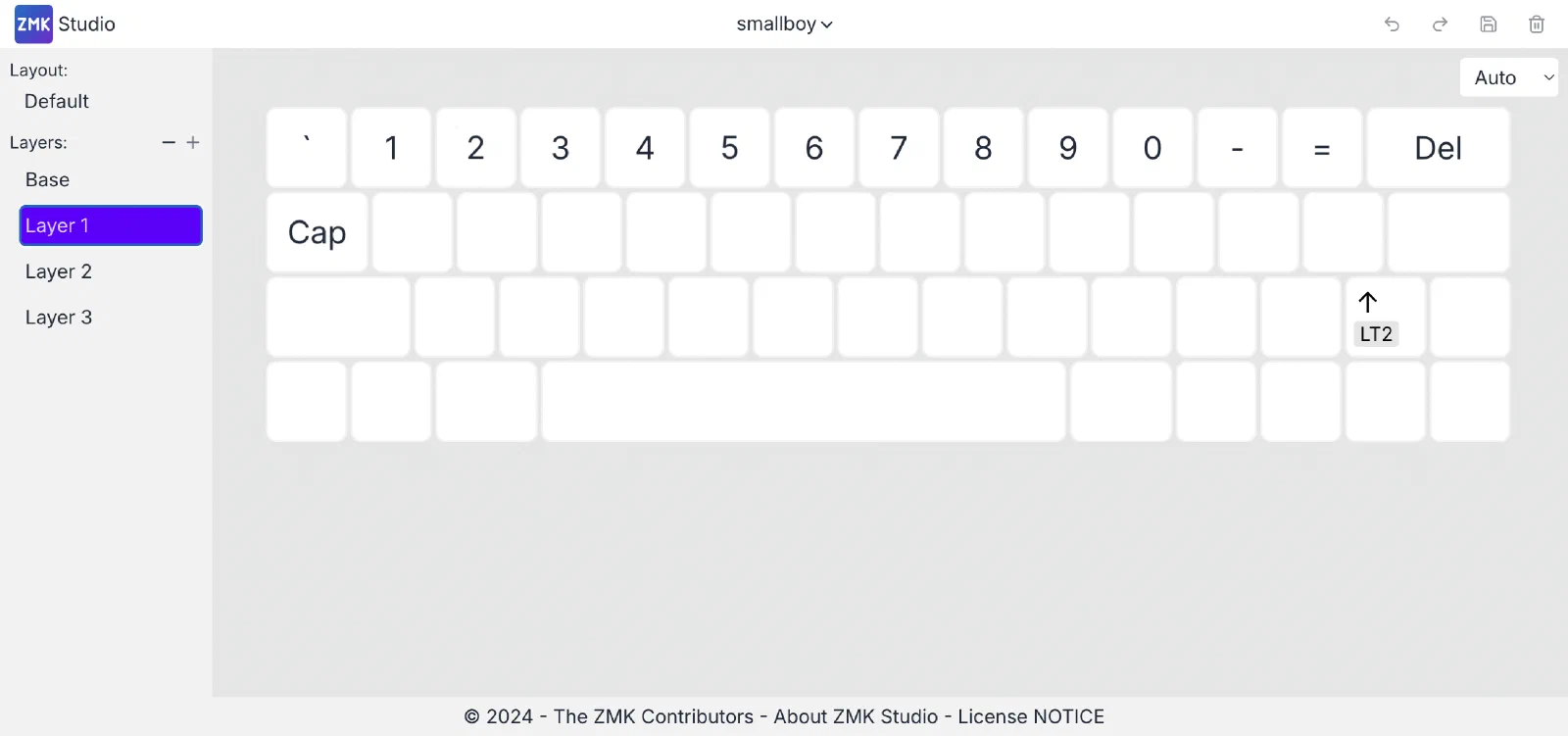
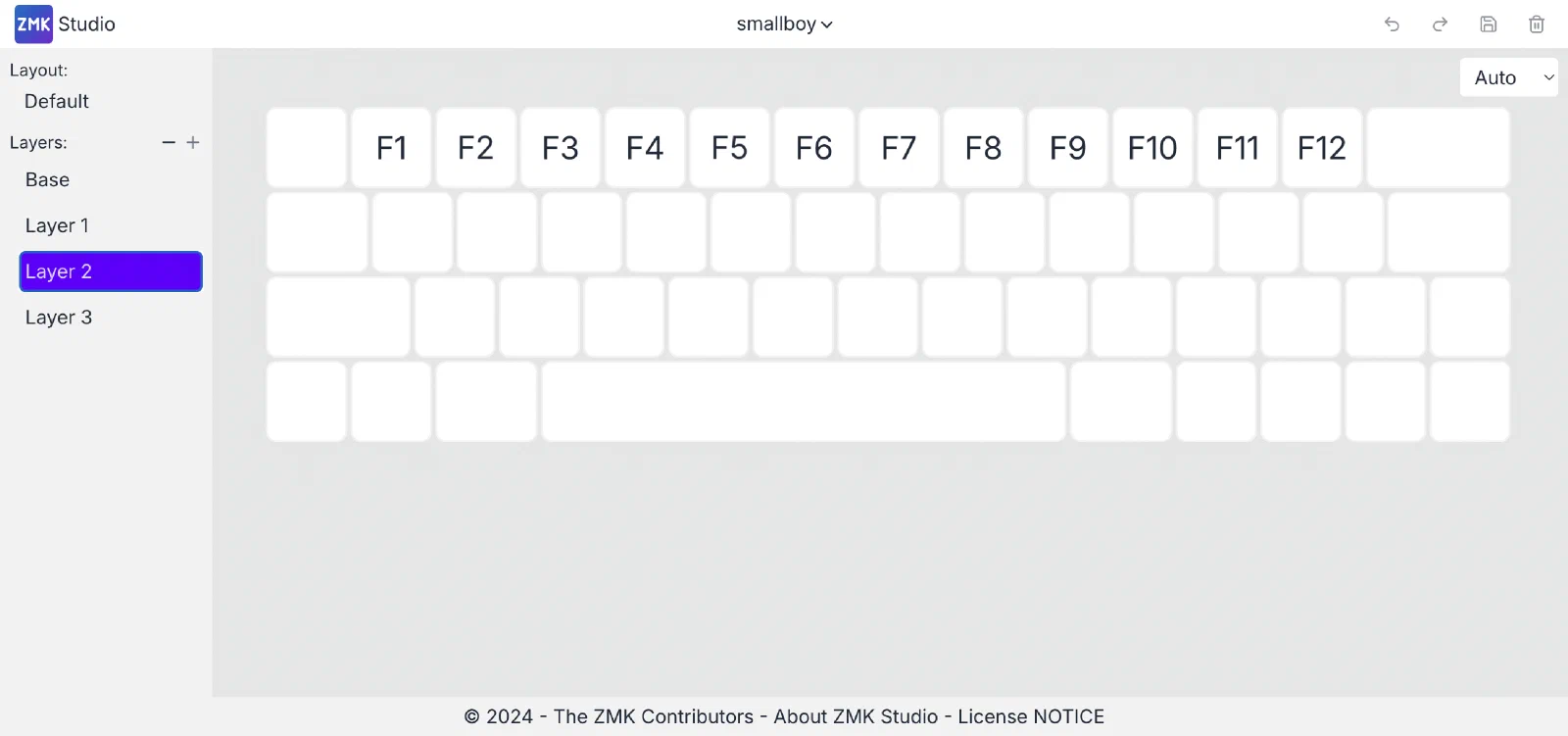
The firmware includes ZMK Studio support. Tab+Z unlocks it, Tab+U switches the output to USB. Not all labels show up in ZMK Studio, so I labeled them on the screenshots.
How to use
Bluetooth
Hold Tab for the profile controls: the five profiles on Q/1, W/2, E/3, R/4, T/5, and BT_CLR on Backspace/Delete.
Power
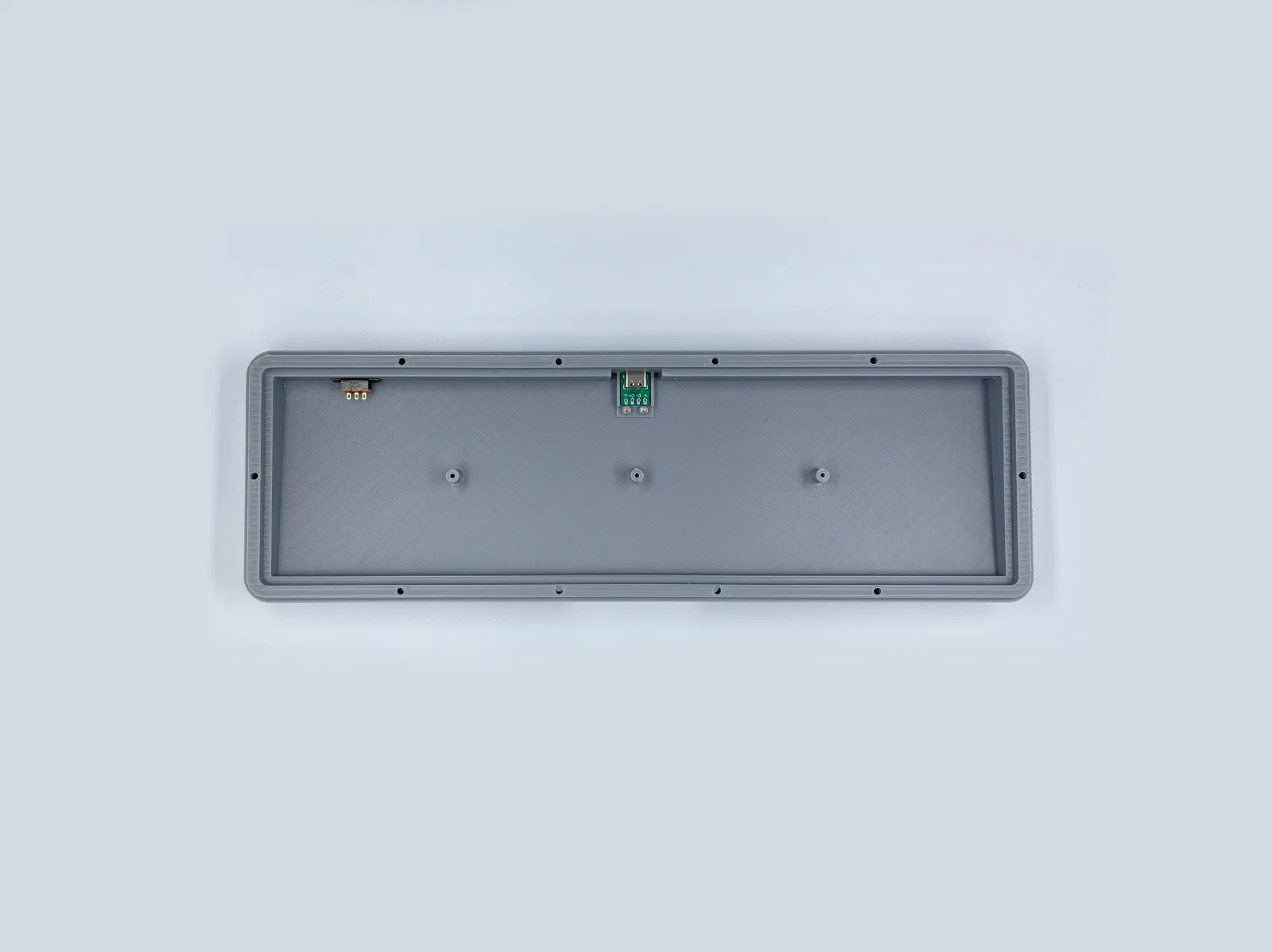
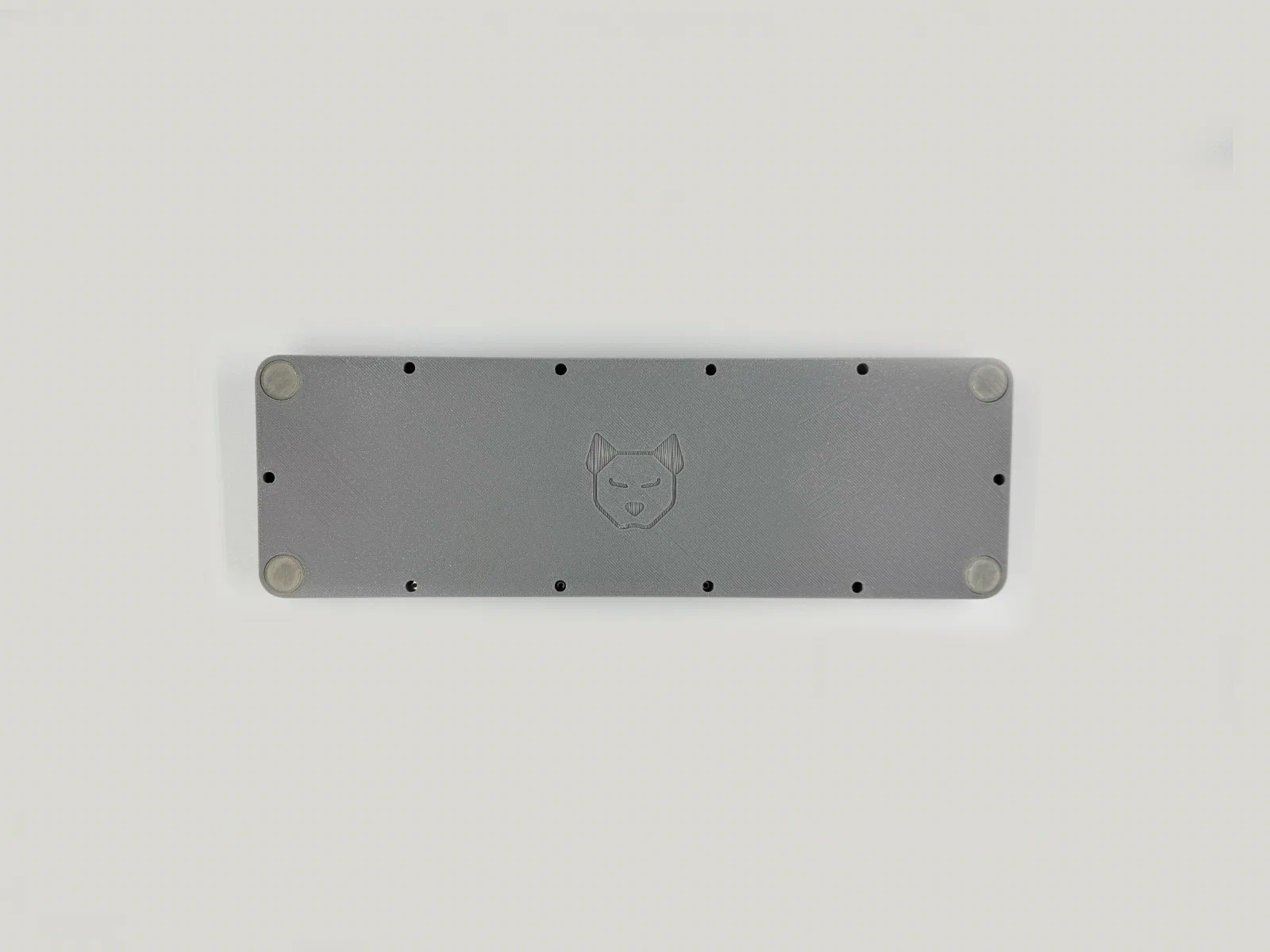
There is a toggle switch on the underside. Charging only works with the switch on. With it off the battery is disconnected from the board and will not charge. The nice!nano charges at 100 mA. Over USB the keyboard works in either position, since the board runs on USB power. Leaving the switch on means it charges while you type.
Resources
- Case print files on Printables
- Repo: GitHub
- Pre-compiled firmware